 Korean
  English
  Chinese
  Japanese
  Hindi
Hindi  Spanish
  French
  Arabic
  Bengali
  Russian
  Portuguese
  Indonesian
  German
 Issue:
When attempting to install Autodesk products, the installation fails with “Error 1” or “Installation cannot be completed.”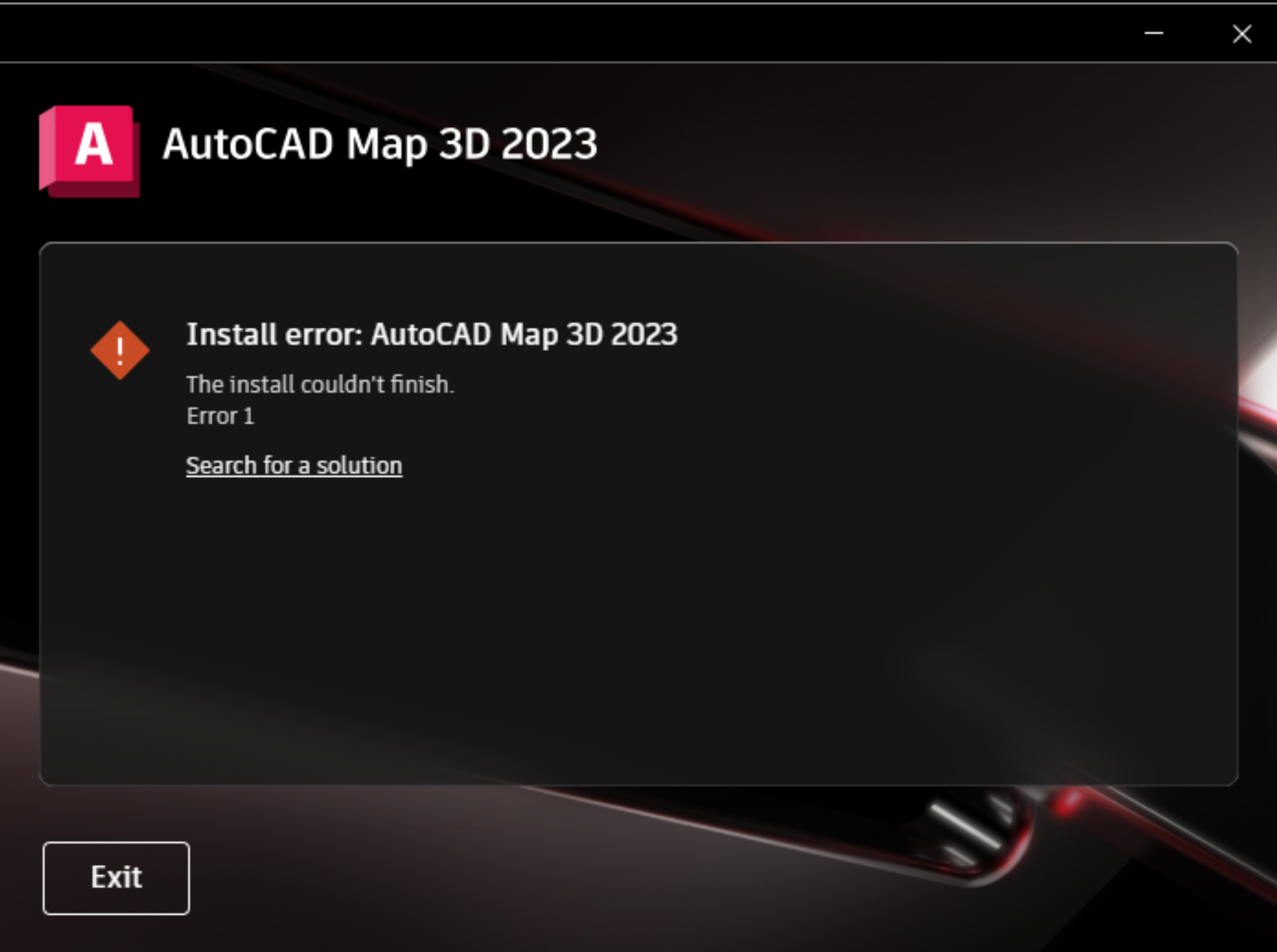
솔루션
To resolve this issue, perform the following steps:
- Open deepuninstaller. Click on “Extended Features,” enter
103, and then click “Search.”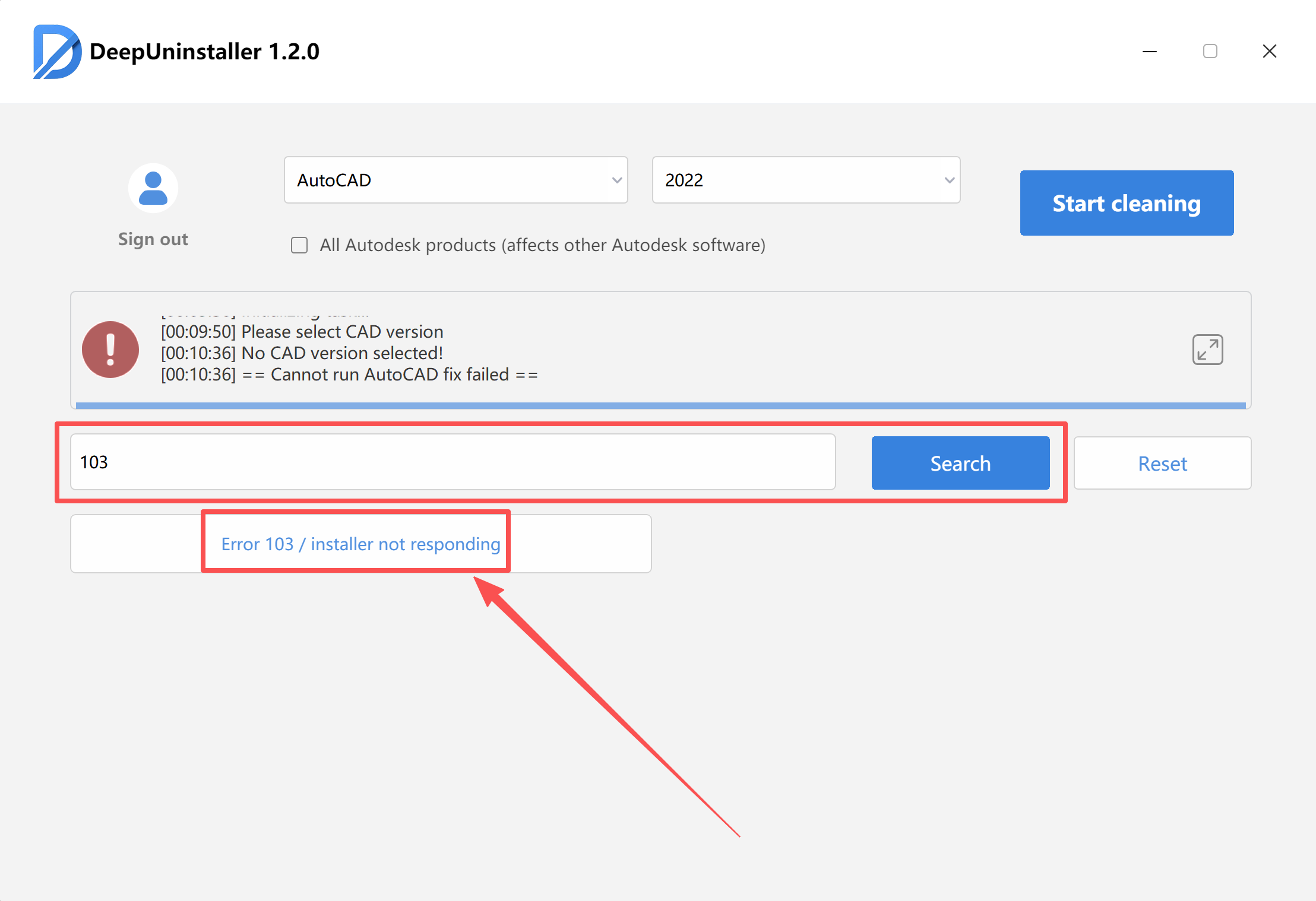
- Note that the repair process may take some time, depending on the specific situation.
- Wait for the “Repair successful” prompt to appear, then attempt to reinstall the software.
답글 남기기