 Korean
  English
  Chinese
  Japanese
  Hindi
Hindi  Spanish
  French
  Arabic
  Bengali
  Russian
  Portuguese
  Indonesian
  German
 Issue:
When attempting to install Autodesk software, double-clicking the setup file yields no response, or the installation progress bar flashes briefly and then immediately closes.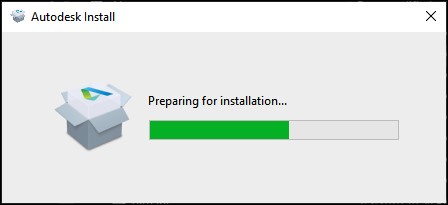
솔루션
Follow these steps to resolve the issue:
- Launch deepuninstaller.
- In deepuninstaller, access the Extended Features section.
- Enter
103into the search field. - Click Search.
- Note: The repair process may take a significant amount of time depending on the system’s condition.
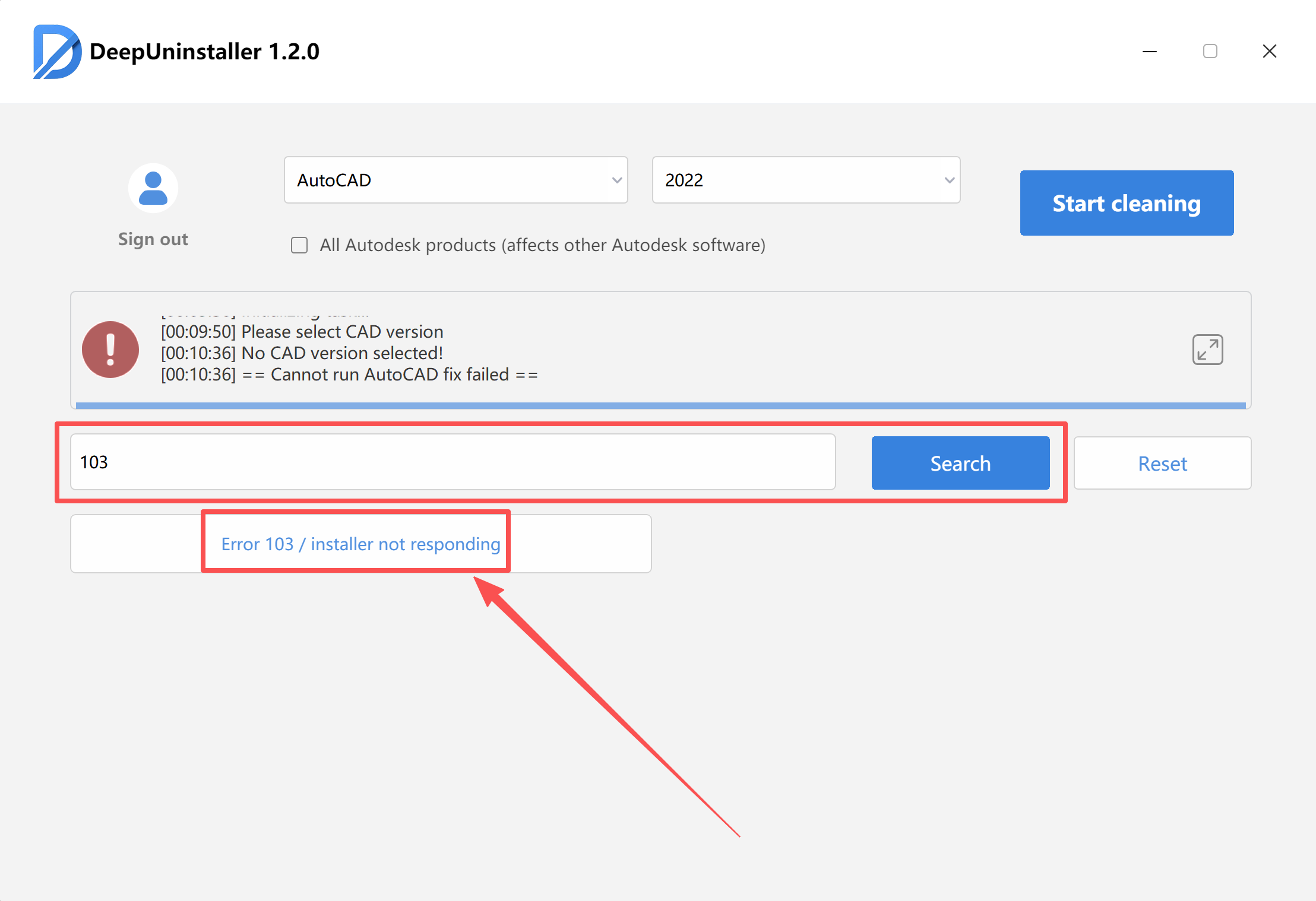
- Wait for the “Repair Successful” prompt to appear.
- After the repair is complete, attempt to reinstall the Autodesk software.
답글 남기기