 English
  Chinese
  Japanese
  Hindi
Hindi  Spanish
  French
  Arabic
  Bengali
  Russian
  Portuguese
  Indonesian
  Korean
  German
 Issue:
When launching an Autodesk application, the following system error message may appear: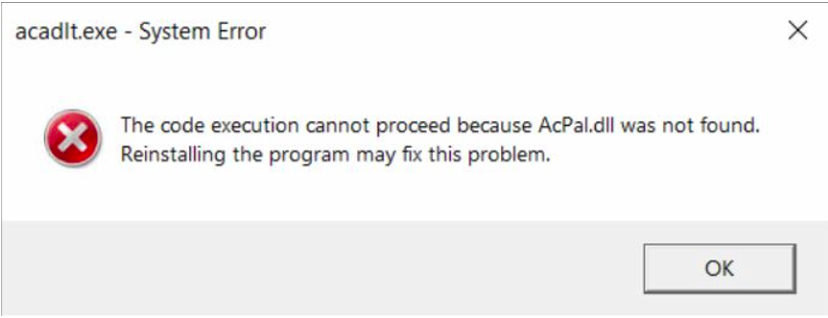
The code execution cannot proceed because AcPal.dll was not found.
Reinstalling the program may fx this problem.
This error indicates that the AcPal.dll file is missing or corrupted. Similar errors referencing other missing DLL files may also occur, including:
acut.dllacdb24.dllacge24.dllanav.dll
Resolution
To resolve this issue, perform a clean reinstallation of the Autodesk product using the deepuninstaller utility and ensure the installation is run with system privileges.
- Utilize the
deepuninstallerutility to remove the existing Autodesk product installation.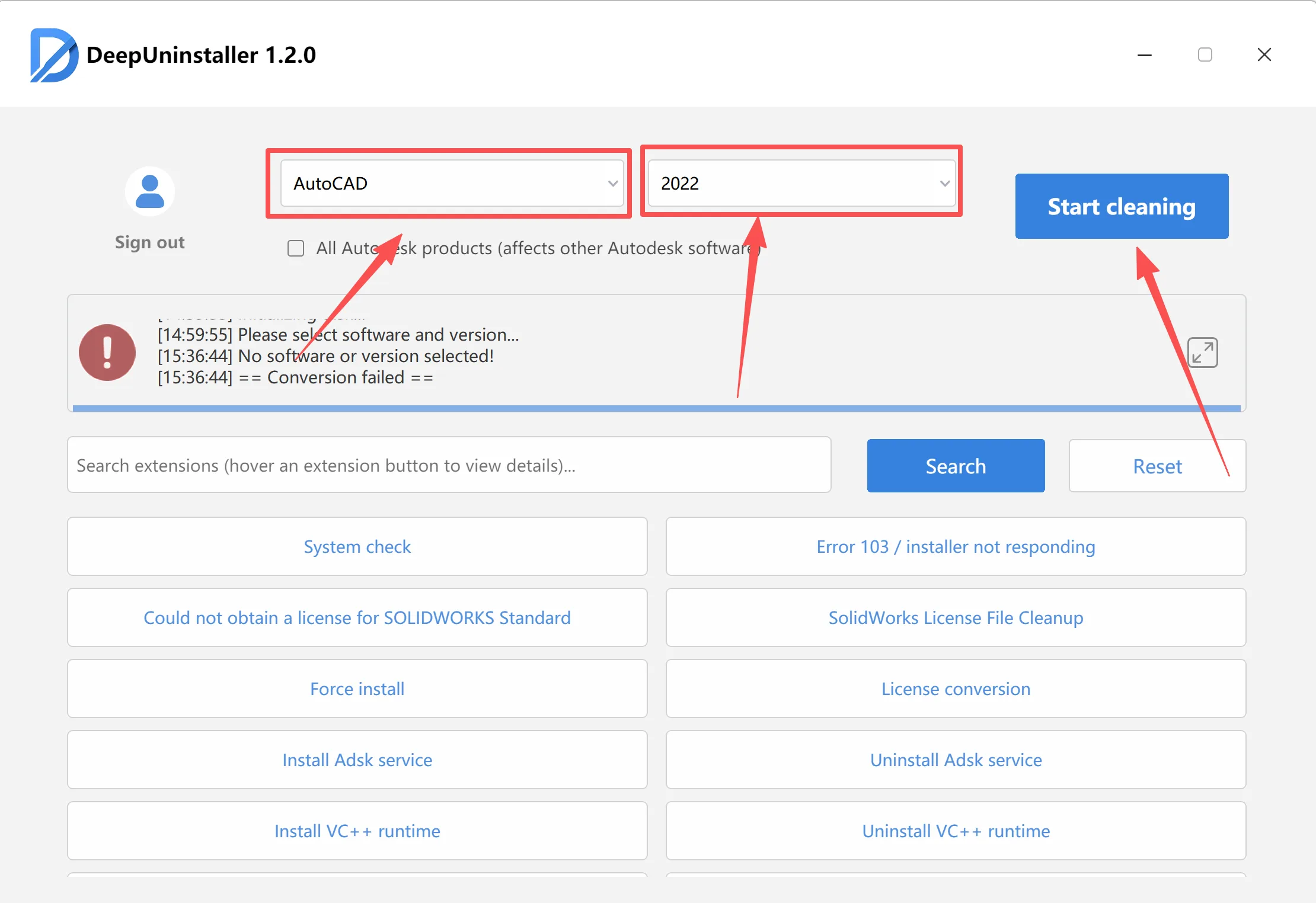
- After the uninstallation is complete, restart your computer.
- Locate the installer for your Autodesk product (typically
setup.exe). - Right-click on
setup.exeand select “Run as administrator” to launch the installation process with elevated system privileges.Run as Administrator context menu - Follow the on-screen instructions to complete the reinstallation of the Autodesk product.
Leave a Reply