 English
  Chinese
  Japanese
  Hindi
Hindi  Spanish
  French
  Arabic
  Bengali
  Russian
  Portuguese
  Indonesian
  Korean
  German
 Issue:
The issue is typically caused by one of the following:
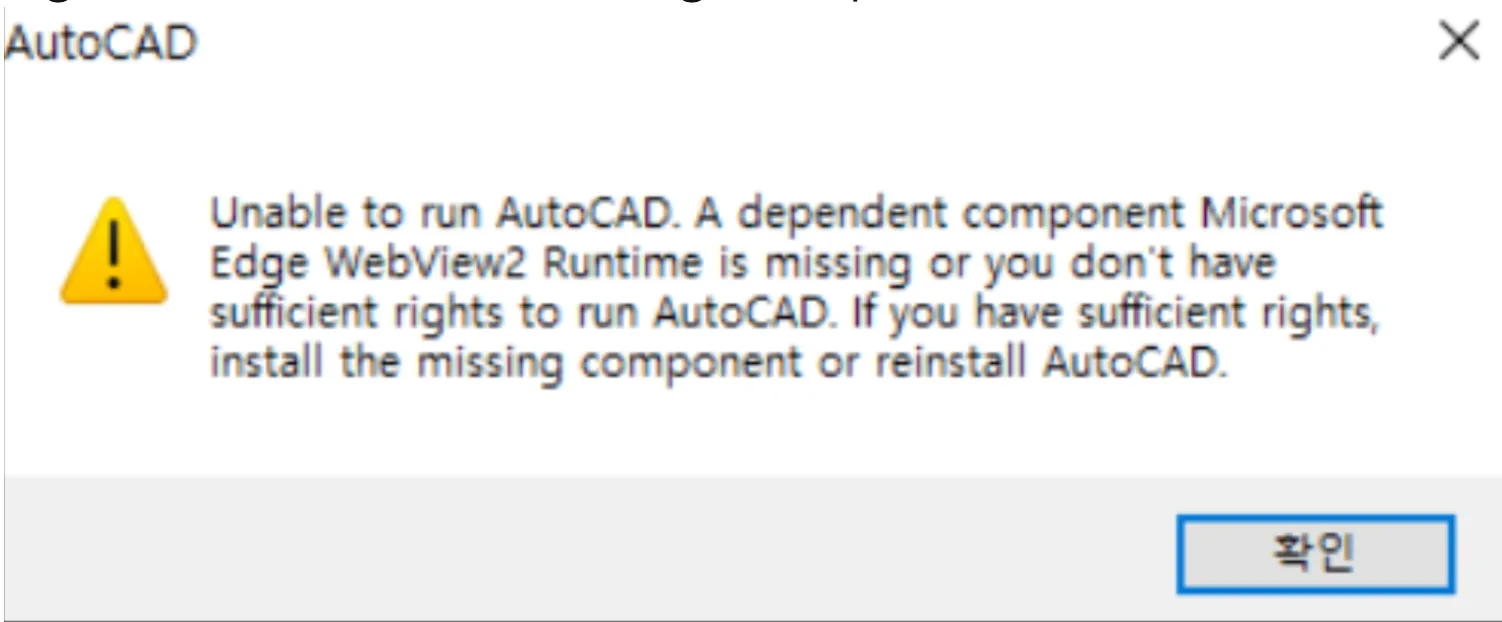
- Unable to run AutoCAD. A dependent component MicrosoftEdge WebView2 Runtime is missing or you don’t havesufficient rights to run AutoCAD. If you have sufficient rights,install the missing component or reinstall AutoCAD.

Solution
To resolve this issue, try the following solutions:
Solution 1: Install Microsoft Edge WebView2 Runtime
- Download and install the Microsoft Edge WebView2 Runtime component directly from the official Microsoft website: https://developer.microsoft.com/en-us/microsoft-edge/webview2
Solution 2: Reinstall AutoCAD After Deep Uninstallation
If Solution 1 does not resolve the issue, or if you are unable to install the WebView2 Runtime component, follow these steps:
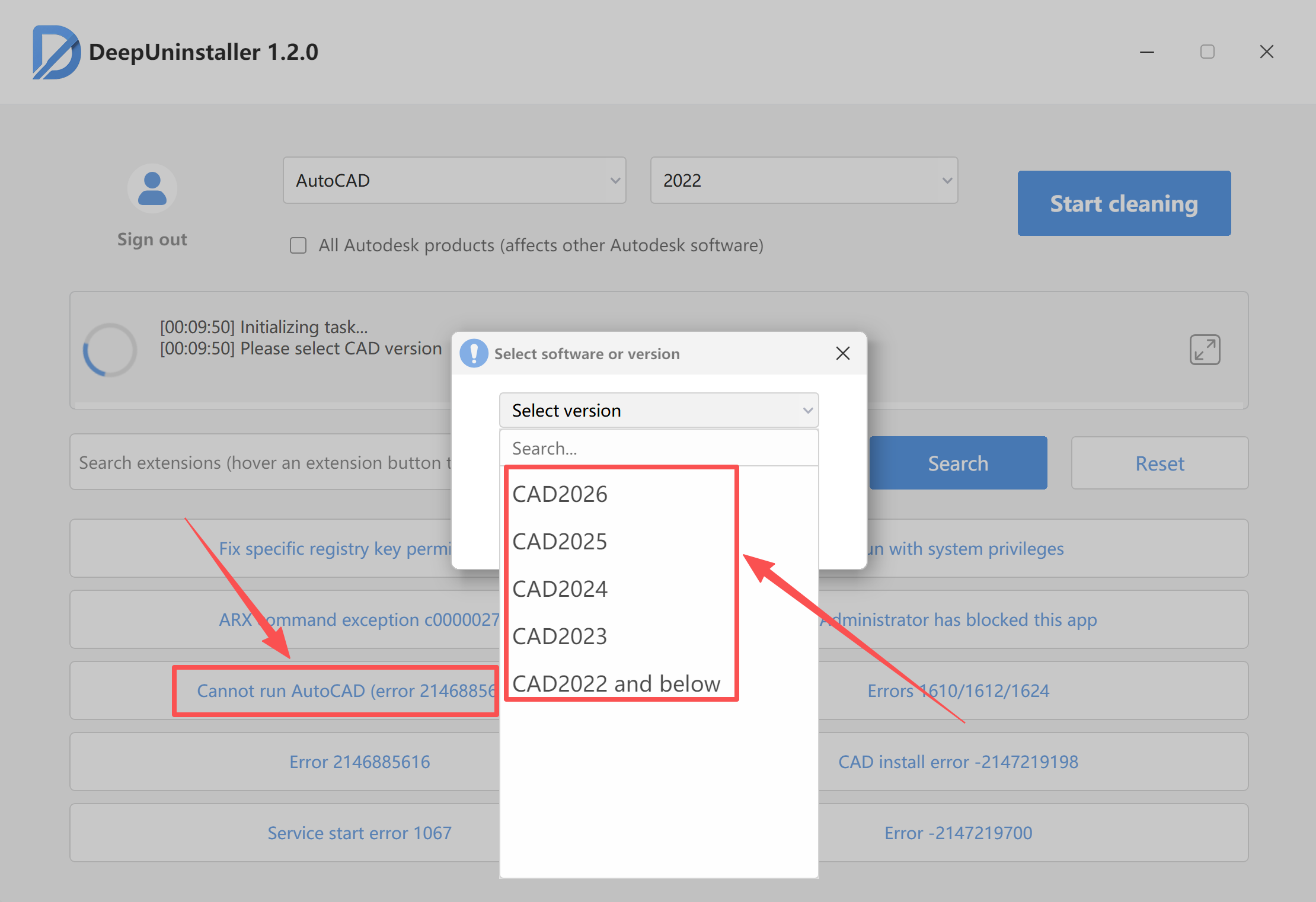
- Open deepuninstaller.
- Click on “Extensions” (or “Extended Features”).
- Use the “Cannot run AutoCAD” button to select the corresponding version.
Leave a Reply