 Chinese
  English
  Japanese
  Hindi
Hindi  Spanish
  French
  Arabic
  Bengali
  Russian
  Portuguese
  Indonesian
  Korean
  German
 Issue:
When launching Inventor, the following error message is displayed: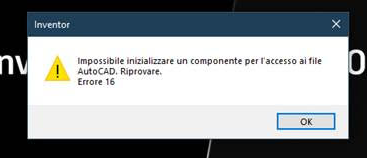
Impossibile inizializzare un componente per I'accesso ai file AutoCAD Riprovare.Error 16解决方案
This issue can typically be resolved by performing a clean uninstall of Inventor and then reinstalling the software.
Steps to Resolve
- Launch deepuninstaller.
- select Inventor and its specific version.
- Click “Clean” to perform a thorough removal of all associated files and registry entries.
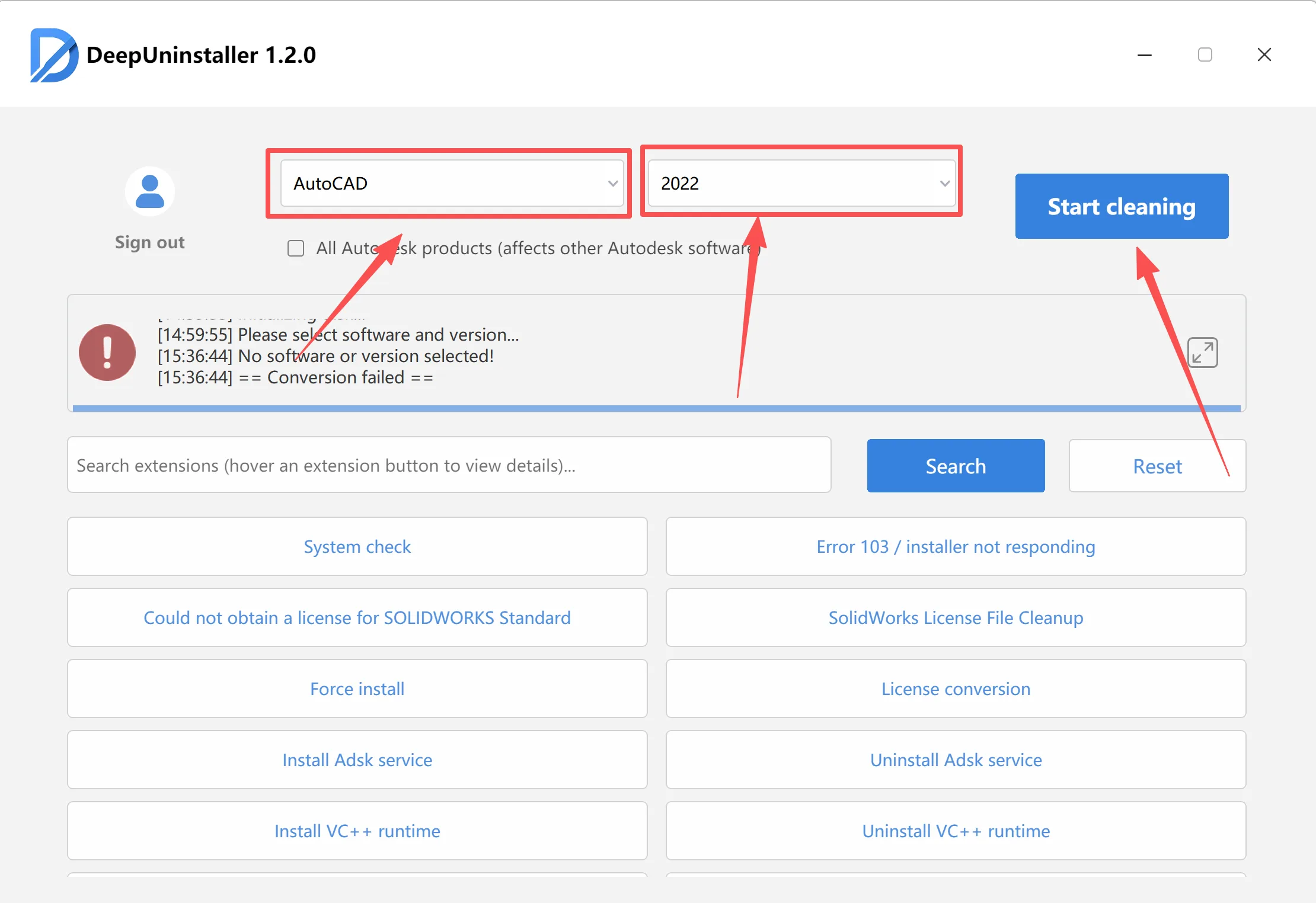
- After the cleaning process is complete, proceed to reinstall Inventor.
发表回复