 Chinese
  English
  Japanese
  Hindi
Hindi  Spanish
  French
  Arabic
  Bengali
  Russian
  Portuguese
  Indonesian
  Korean
  German
 Issue:
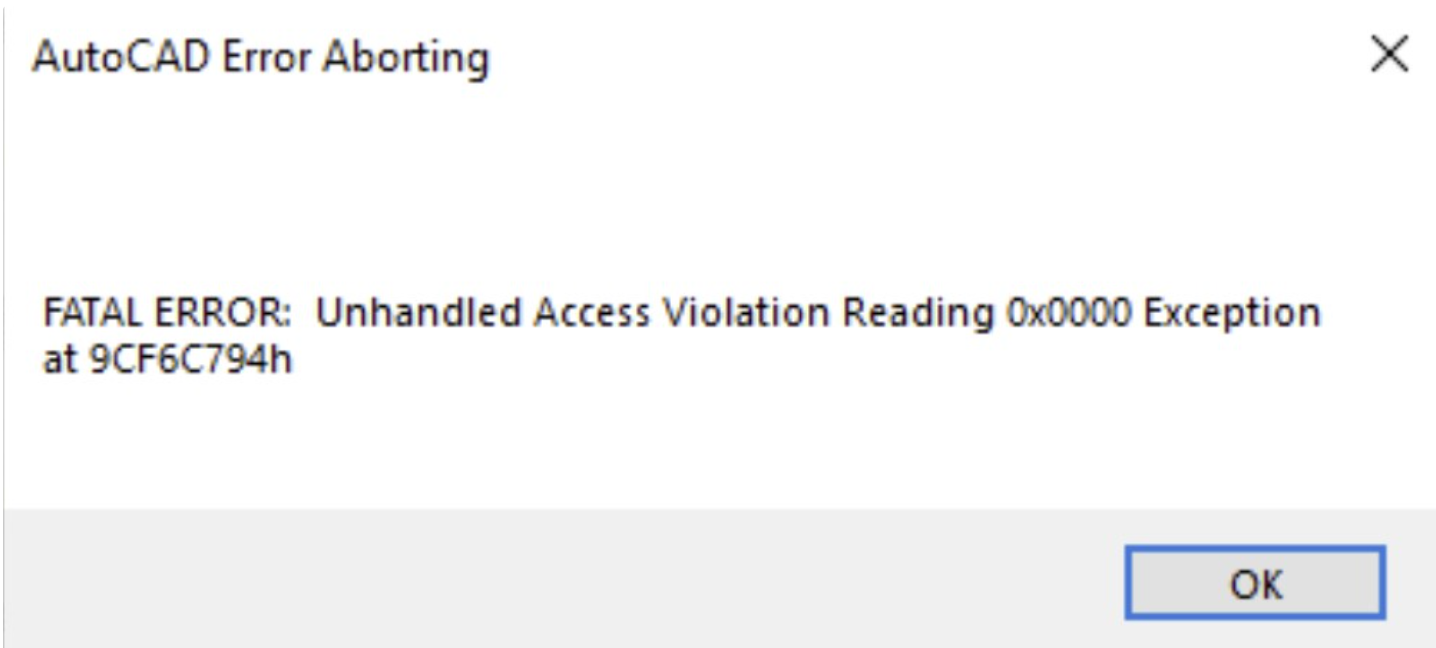
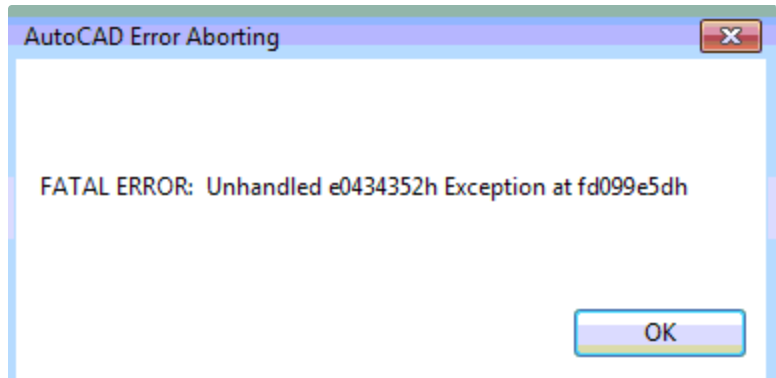
When attempting to launch an AutoCAD product, the program crashes and displays a fatal error message similar to one of the following:
- AutoCAD Error Aborted Fatal error: Unhandled illegal access read exception 0x0000 occurred in …
- AutoCAD Error Aborted Fatal error: Unhandled exception e0434352h occurred in …
解决方案
To resolve this issue, reset AutoCAD to its default settings by managing user profiles within AutoCAD.
- Launch AutoCAD.
- Note: If AutoCAD crashes immediately upon launch, attempt to open it by double-clicking a DWG file or by running it with specific switches (e.g.,
/sfor safe mode if available, or temporary disabling certain features) to access the command line.
- Note: If AutoCAD crashes immediately upon launch, attempt to open it by double-clicking a DWG file or by running it with specific switches (e.g.,
- At the command line, type
OPand press Enter to open the Options dialog box. - Go to the Profiles tab.
- Select the
<<Unnamed Profile>>or the profile that is currently active. - Click 重置.
- Click Set Current to make the reset profile active.
- Click Apply, then OK to close the Options dialog box.
发表回复