 Chinese
  English
  Japanese
  Hindi
Hindi  Spanish
  French
  Arabic
  Bengali
  Russian
  Portuguese
  Indonesian
  Korean
  German
 Issue:
When you encounter the “allied product not found” error during AutoCAD 2014 installation, follow these steps to resolve the issue:
解决方案
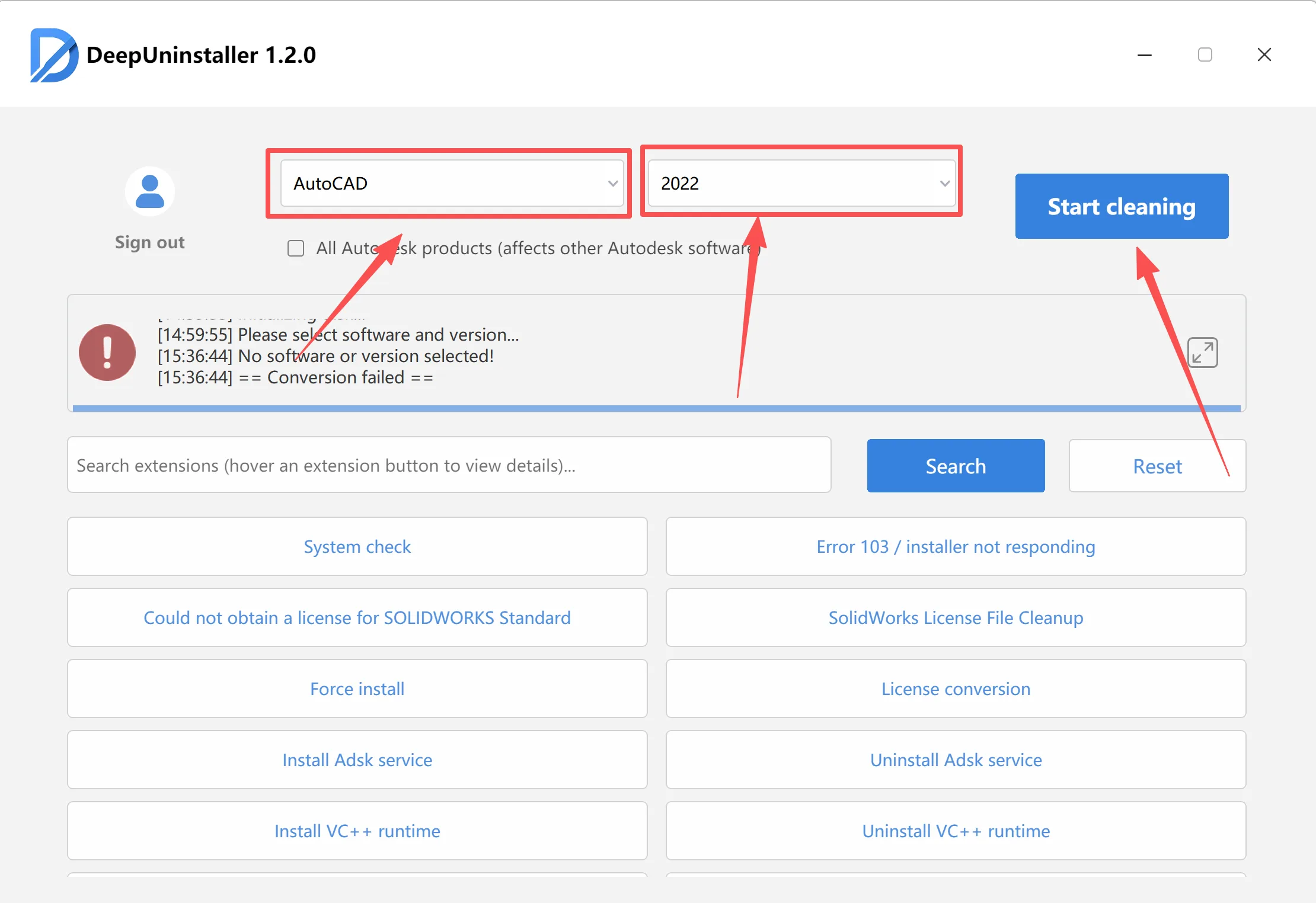
- Open the Deepuninstaller software.
- In the Deepuninstaller interface, select the appropriate software and version corresponding to the AutoCAD version you intend to install.
- Click the “Clean” button to remove residual files and configurations from the system.
- Reinstall AutoCAD 2014.
发表回复