 Russian
  English
  Chinese
  Japanese
  Hindi
Hindi  Spanish
  French
  Arabic
  Bengali
  Portuguese
  Indonesian
  Korean
  German
 Issue:
This article provides steps to resolve issues where important components are missing, which can prevent Autodesk products from providing an optimal user experience.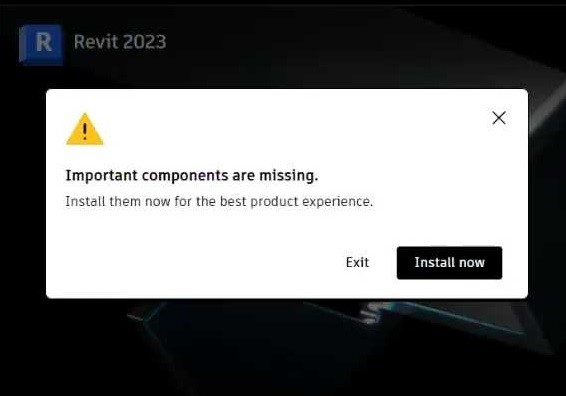
Решение
To resolve this issue, use the deepuninstaller utility to clean the problematic software installation, then perform a fresh reinstallation.
- Open the deepuninstaller application.
- Navigate to the Extension Functions section within the application.
- In the search field, enter
103and click the Поиск button.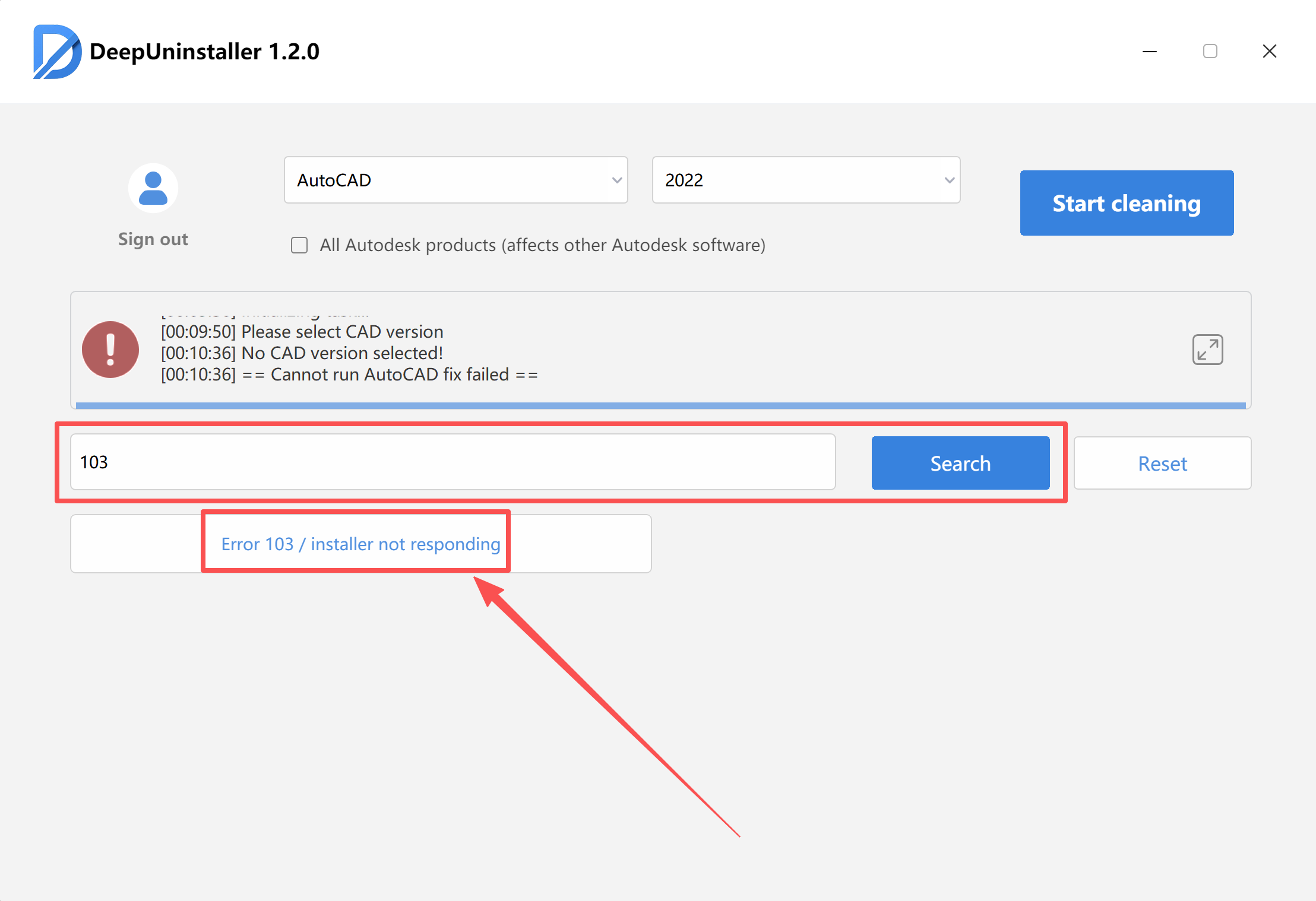
- Initiate the repair process.Note: The repair process may take a significant amount of time to complete, depending on the system’s current state and the extent of the cleanup required.
- Wait for the application to display a confirmation message indicating that the repair was successful.
- After the repair is complete, attempt to reinstall your Autodesk software.
Добавить комментарий