 Russian
  English
  Chinese
  Japanese
  Hindi
Hindi  Spanish
  French
  Arabic
  Bengali
  Portuguese
  Indonesian
  Korean
  German
 Issue:
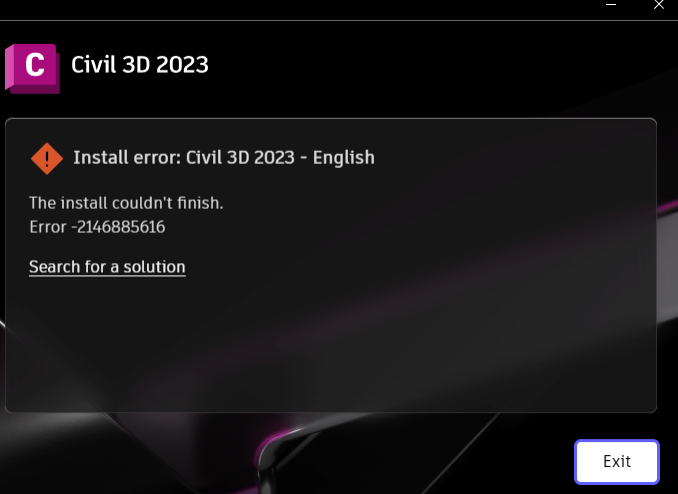
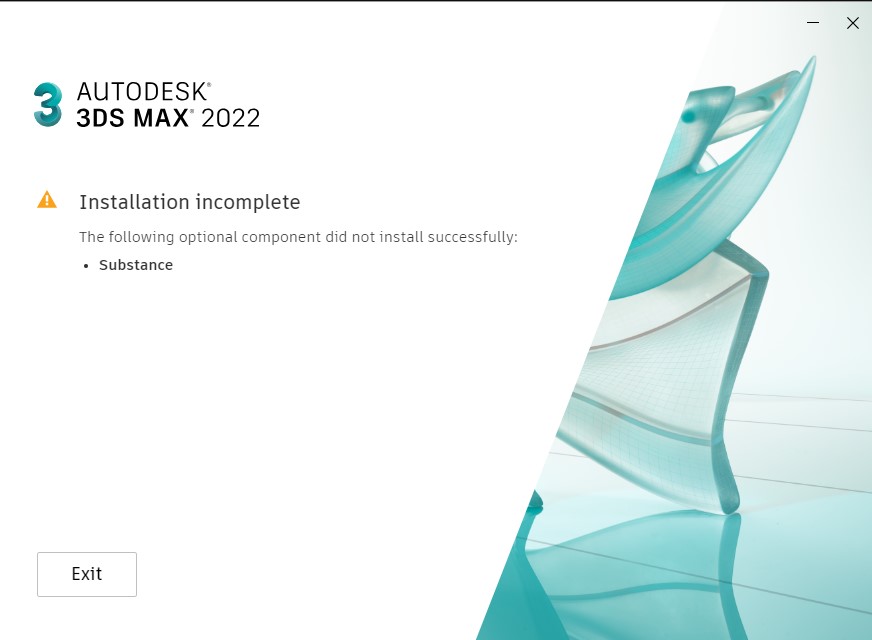
When installing a newer version of 3ds Max, the installation fails with error code 2146885616, and a message indicates that optional components, such as “Substance,” were not successfully installed.
Решение
To resolve this issue, follow these steps:
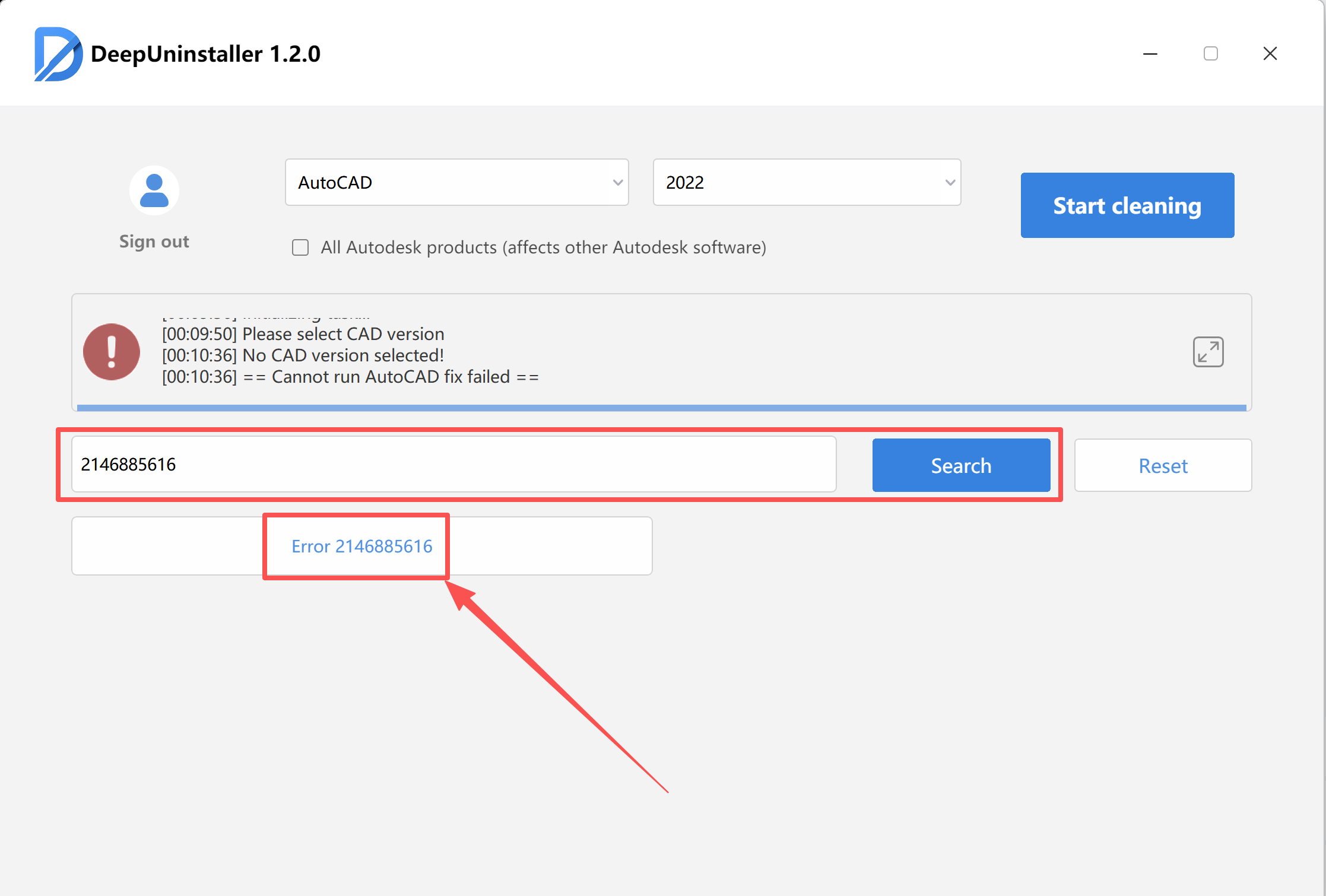
- Open deepuninstaller.
- Navigate to the
УдлинителиorAdvanced Featuressection. - Search for
2146885616and then click the Search button. - Click the button that appears in the results. A prompt will instruct you to restart your computer.Image PlaceholderAfter restarting your system, click the same button again within deepuninstaller.
- Once a “Repair Successful” message appears, you may proceed with the 3ds Max installation without a system restart, or you may choose to restart your computer once before installing.
Добавить комментарий