 Portuguese
  English
  Chinese
  Japanese
  Hindi
Hindi  Spanish
  French
  Arabic
  Bengali
  Russian
  Indonesian
  Korean
  German
 Issue:
During the installation process, the SolidWorks Installation Manager encounters a serious error, displaying error code 1625.
Resolution
To resolve this issue, perform the following steps:
- Launch deepuninstaller.
- Navigate to the extended features section.
- Search for
"1625". - Click the
"1625"button to initiate the repair process.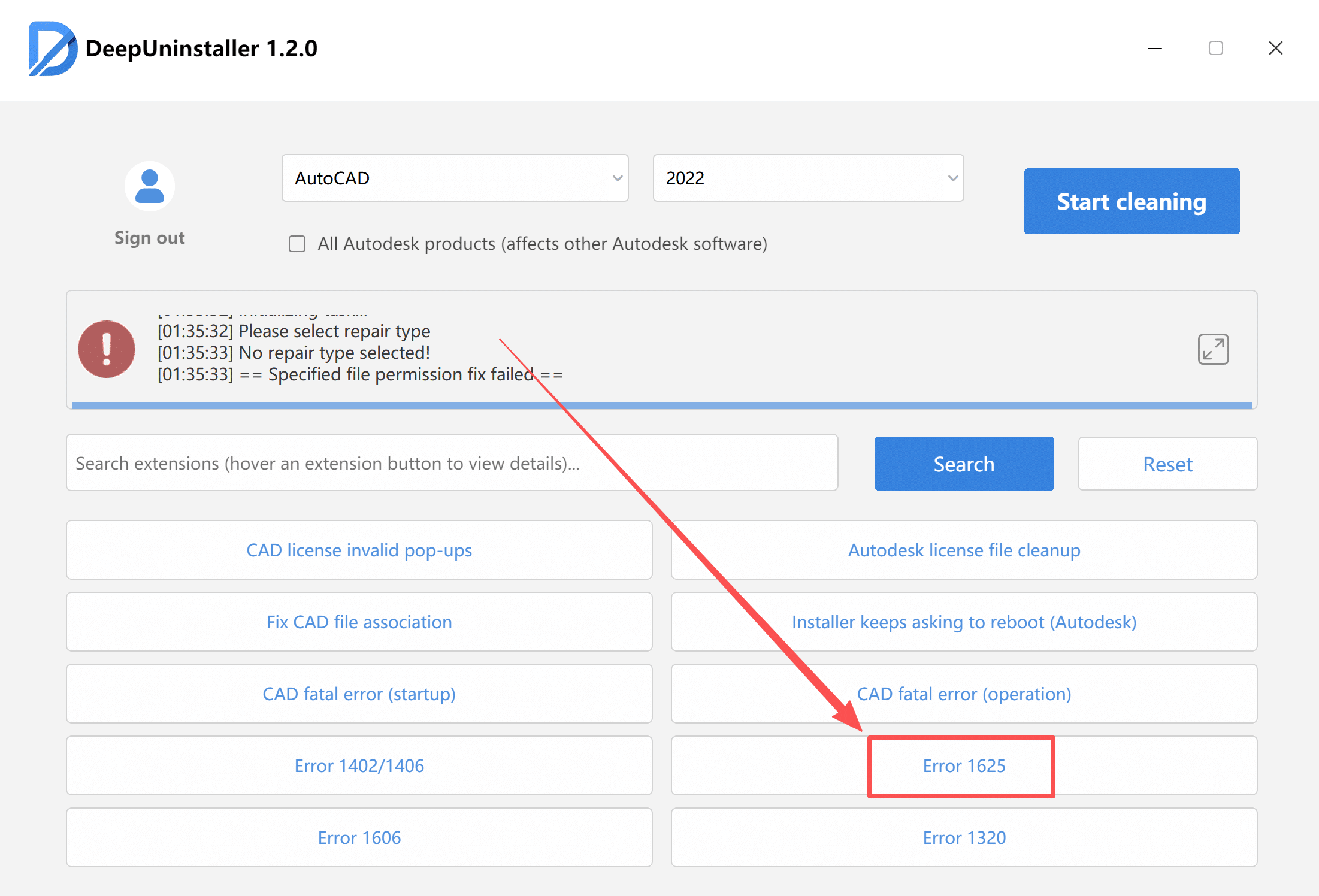
- Once the repair is complete, attempt the installation again.
Deixe um comentário