 Portuguese
  English
  Chinese
  Japanese
  Hindi
Hindi  Spanish
  French
  Arabic
  Bengali
  Russian
  Indonesian
  Korean
  German
 Solução
Follow these steps to resolve the issue where AutoCAD fails to load custom files because acad.cui is not found:
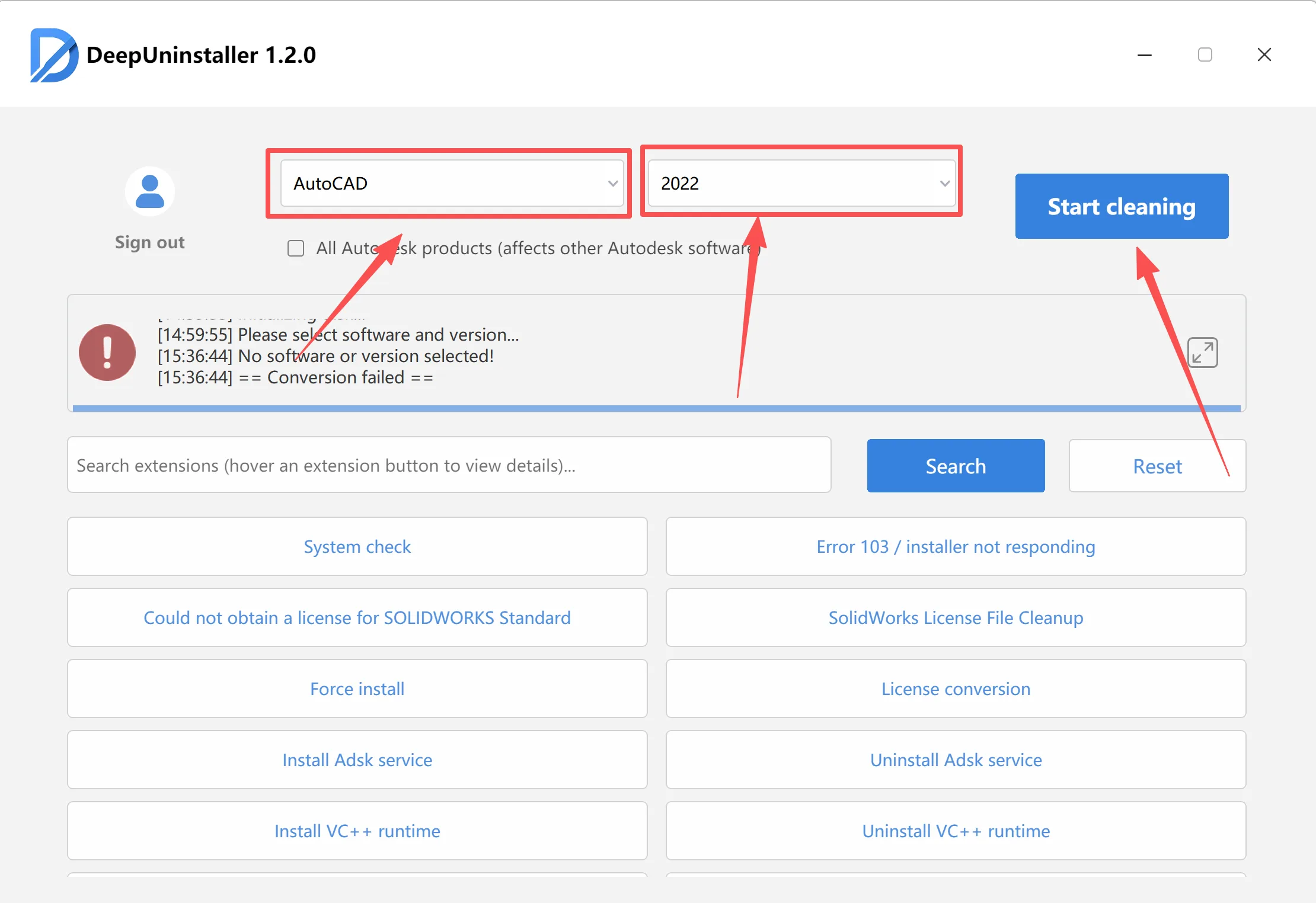
- Use DeepUninstaller to uninstall software
- Uninstall the problematic AutoCAD version using the deepuninstaller tool.
- Restart your computer.
- Perform a clean reinstallation of AutoCAD.
Deixe um comentário