 Portuguese
  English
  Chinese
  Japanese
  Hindi
Hindi  Spanish
  French
  Arabic
  Bengali
  Russian
  Indonesian
  Korean
  German
 Solução
- Open the deepuninstaller application.
- Within the deepuninstaller interface, navigate to Extended Features.
- Locate and select the Autodesk license file cleanup utility.
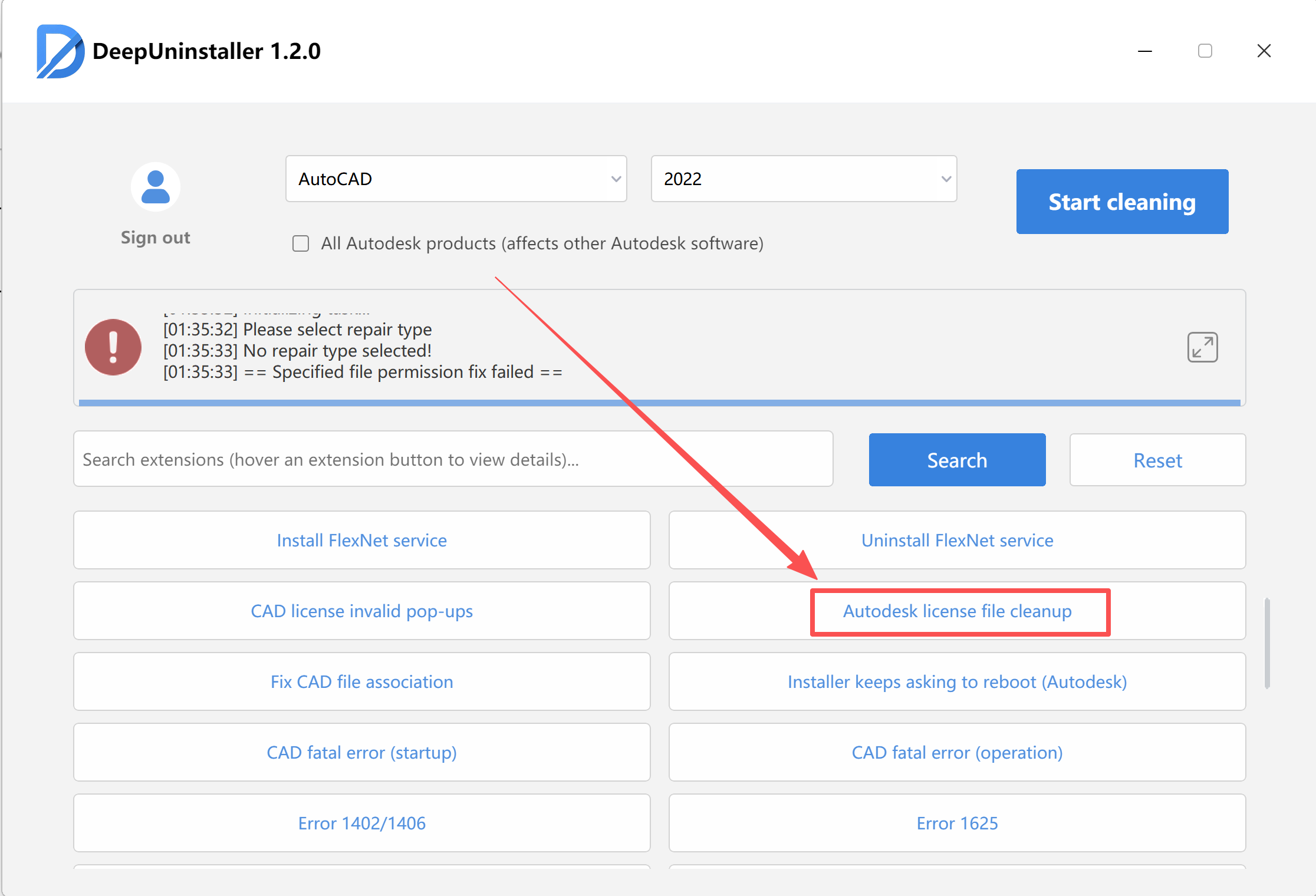
- Click the corresponding button to start the cleanup process.
- Select the specific Autodesk product version for which the license files need to be cleaned.
- Once the cleanup is successfully completed, launch your activation tool as an administrator.
- Proceed with the reactivation process for your Autodesk product.
Deixe um comentário