 Portuguese
  English
  Chinese
  Japanese
  Hindi
Hindi  Spanish
  French
  Arabic
  Bengali
  Russian
  Indonesian
  Korean
  German
 Issue:
An error message indicating “Error 1402” is displayed during the SketchUp installation process.
Solução
To resolve Error 1402, follow these steps:
- Open
deepuninstaller. - Click on Extensions.
- Enter
1402in the search field. - Click Pesquisar.
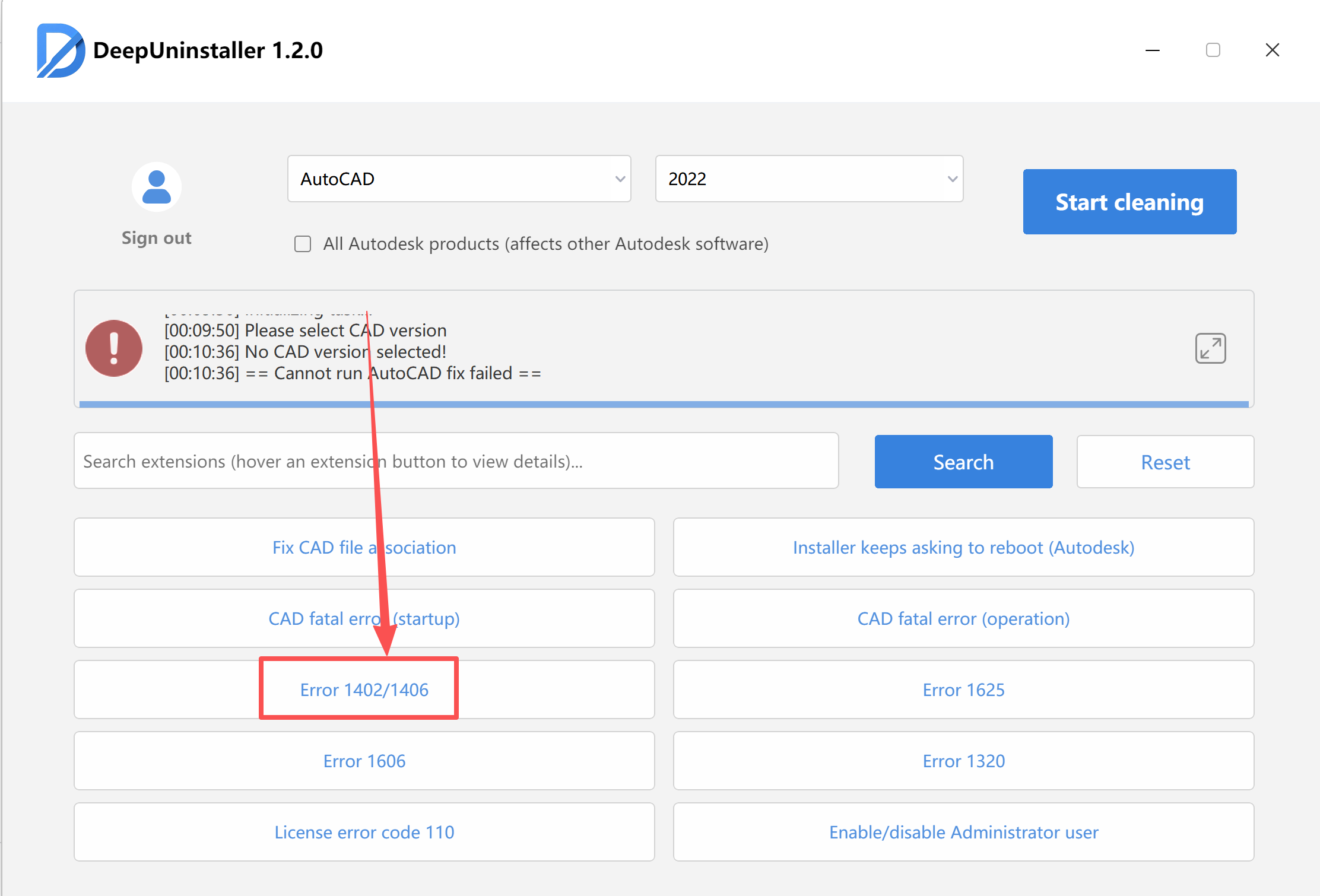
- Wait for the repair process to complete successfully.
- Once the repair is finished, attempt to reinstall SketchUp.
Deixe um comentário