 Korean
  English
  Chinese
  Japanese
  Hindi
Hindi  Spanish
  French
  Arabic
  Bengali
  Russian
  Portuguese
  Indonesian
  German
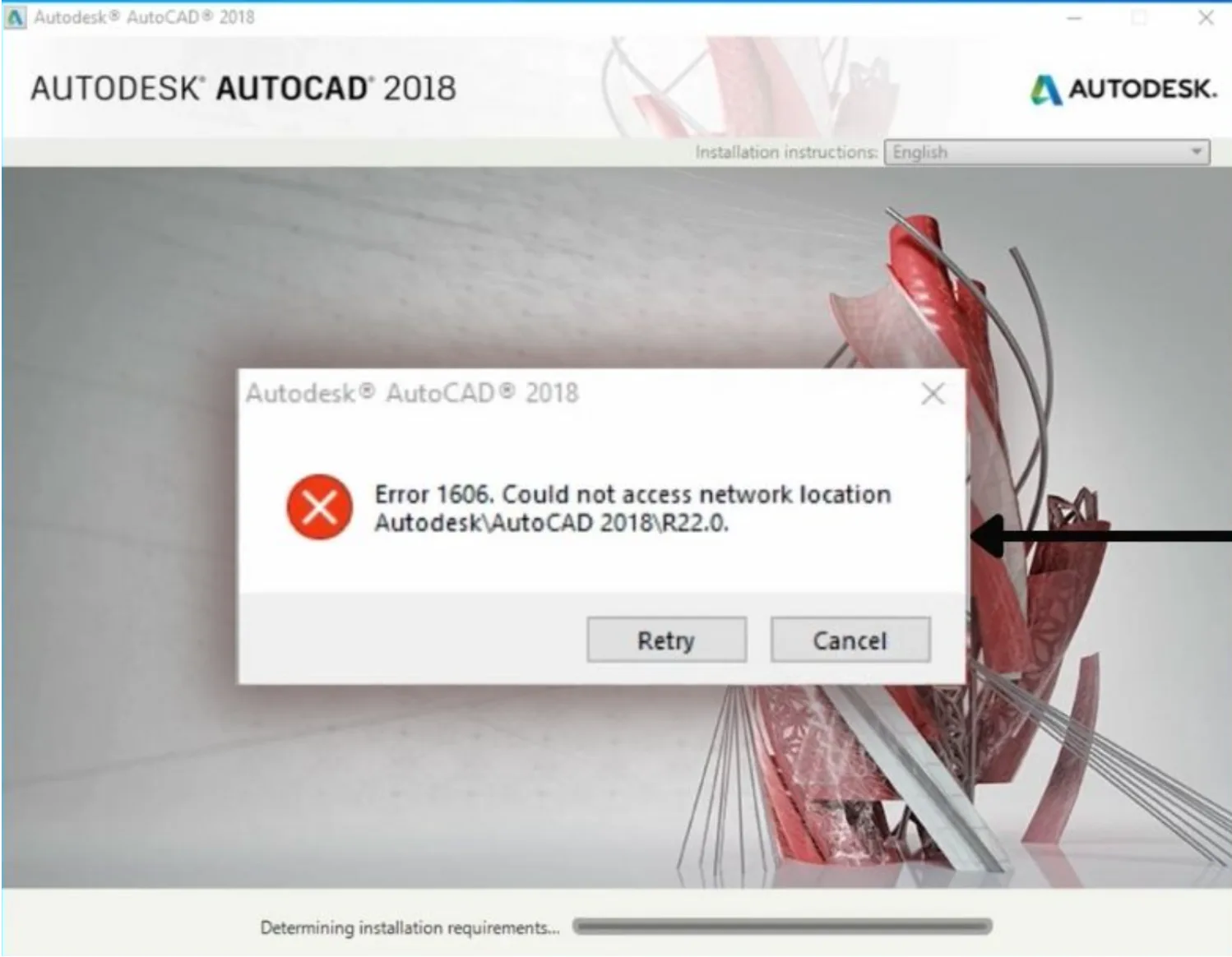
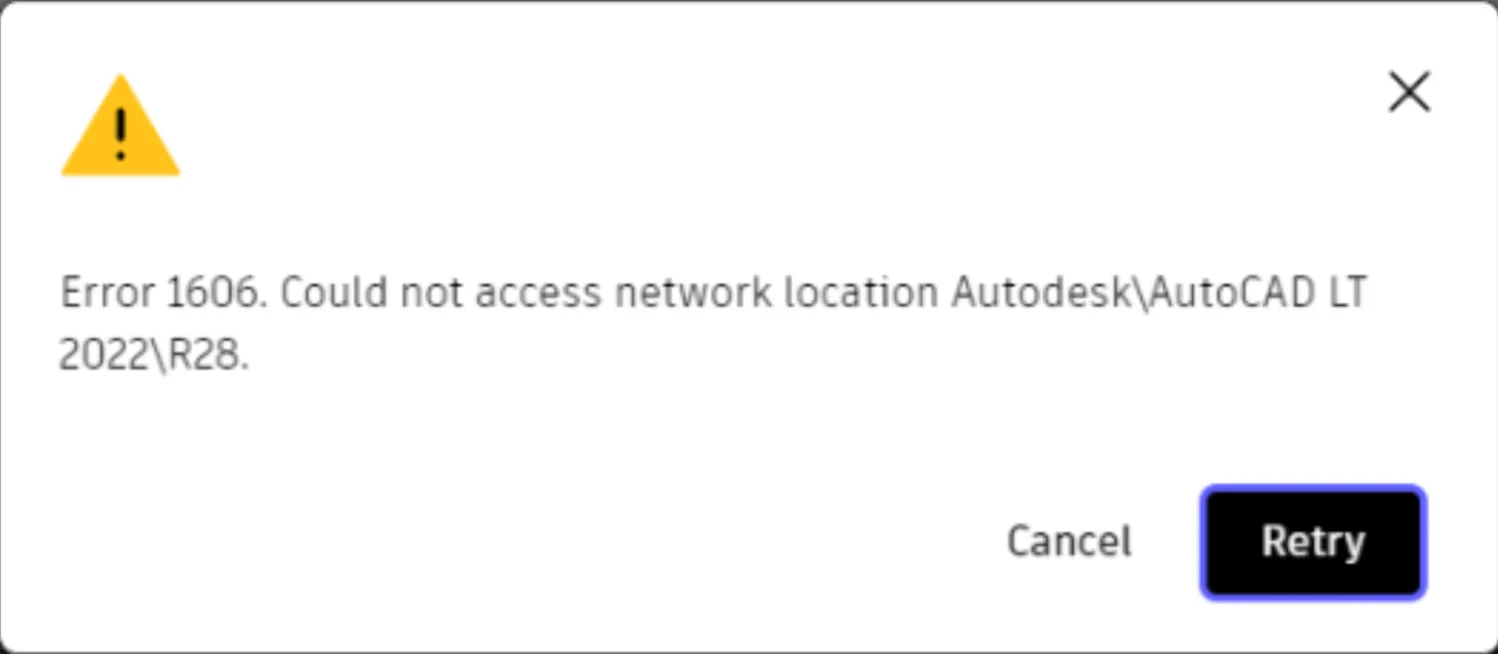
 During the installation of Autodesk CAD software or other applications, you might encounter Error 1606, displaying the message “Cannot Access Network Location.”
Issue:
- Error 1606 appears during software installation.
- The error message indicates “Could not access network location.”

솔루션
- Open the deepuninstaller tool.
- Within deepuninstaller, locate and click the “Error 1606” option.
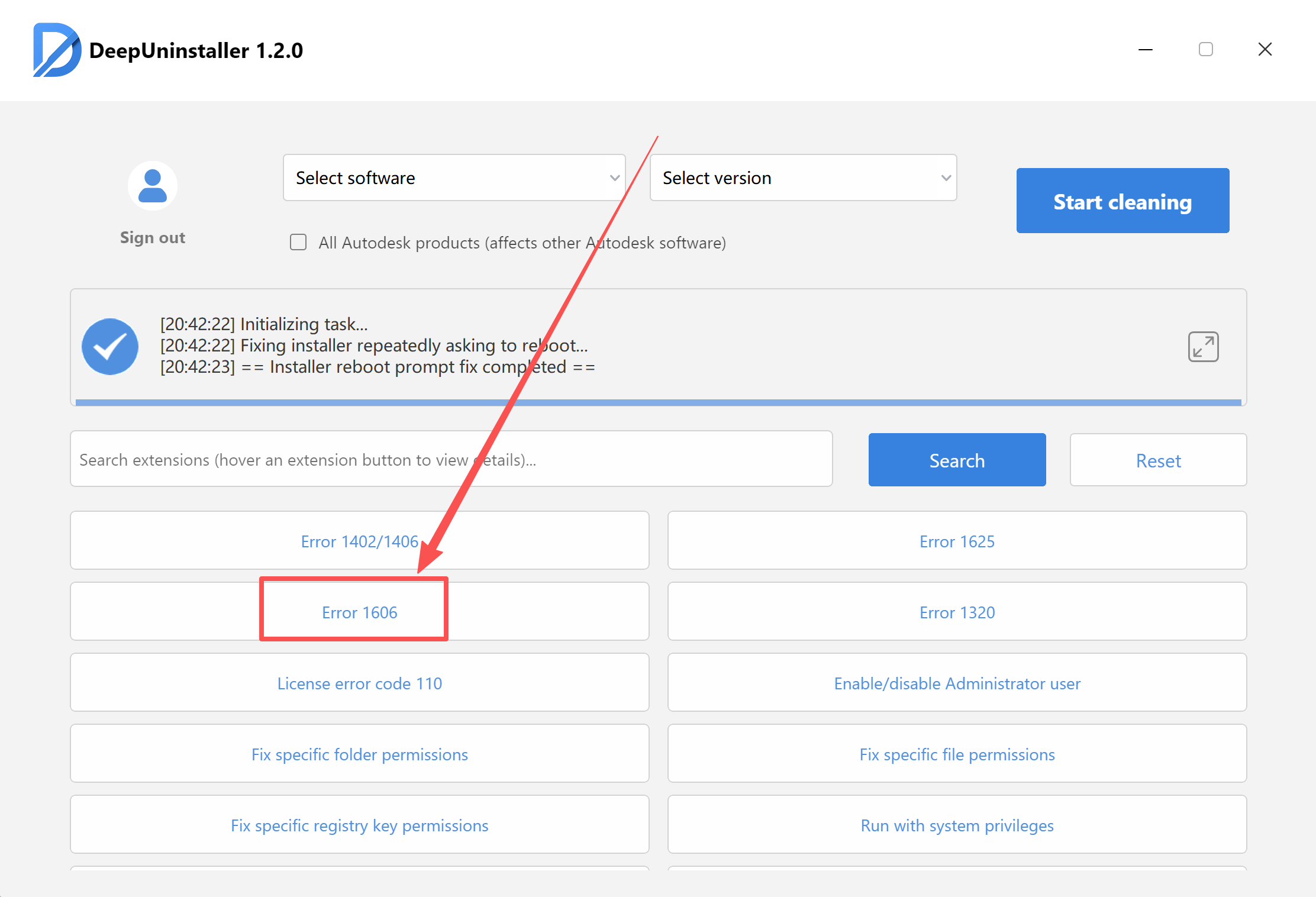
- Initiate the one-click fix procedure. This will resolve the “Cannot Access Network Location” issue.
By following the steps above, you can resolve Installation Error 1606 and proceed with your installation.
답글 남기기