 Korean
  English
  Chinese
  Japanese
  Hindi
Hindi  Spanish
  French
  Arabic
  Bengali
  Russian
  Portuguese
  Indonesian
  German
 Issue:
To resolve the “Online activation request returned error (500)” issue for Autodesk 3ds Max 2020, follow these steps:
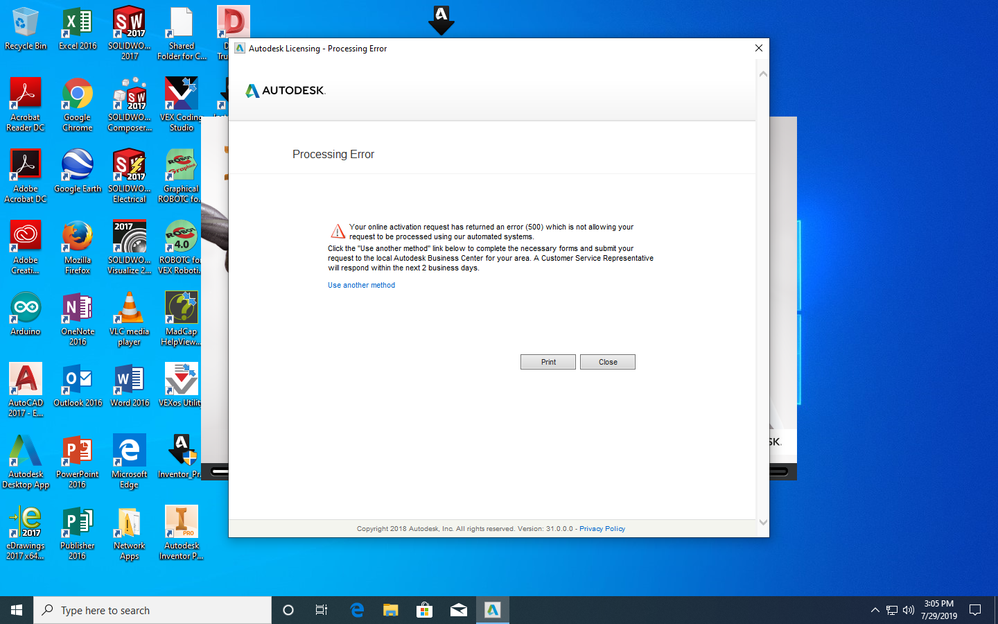
Your online activation request has retumed an error (500) which s not aliowing yourrequest to be processed using our automated systems.Click the “Use another method” link below to compiete the necessary forms and submit yourrequest to the local Autodesk Business Center for your area.A Customer Service Representative
will respond within the next 2 business days.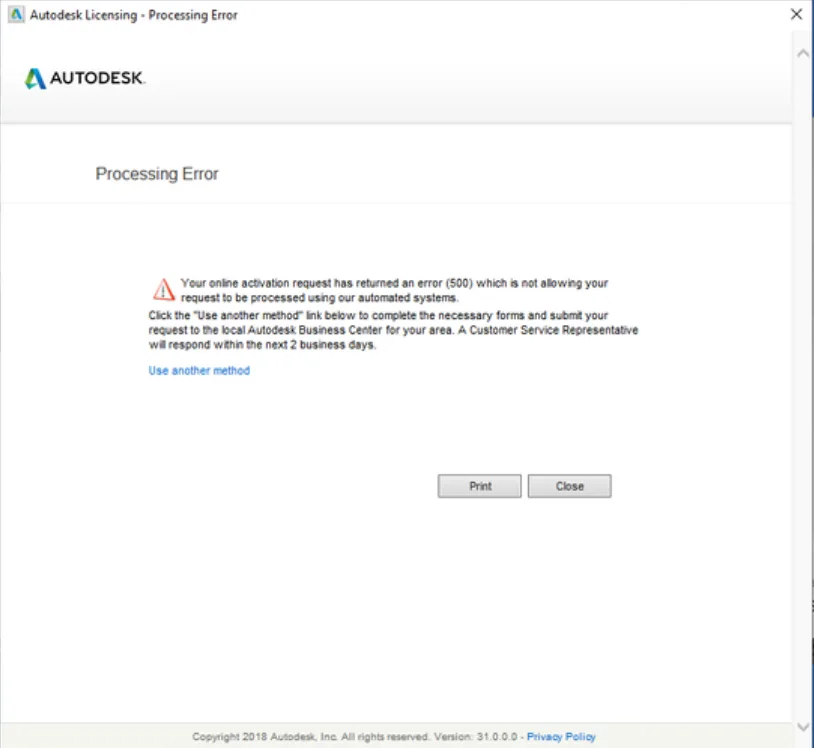
- Uninstall Problematic Components:First, uninstall any previously installed problematic Autodesk licensing components or ADSK services.
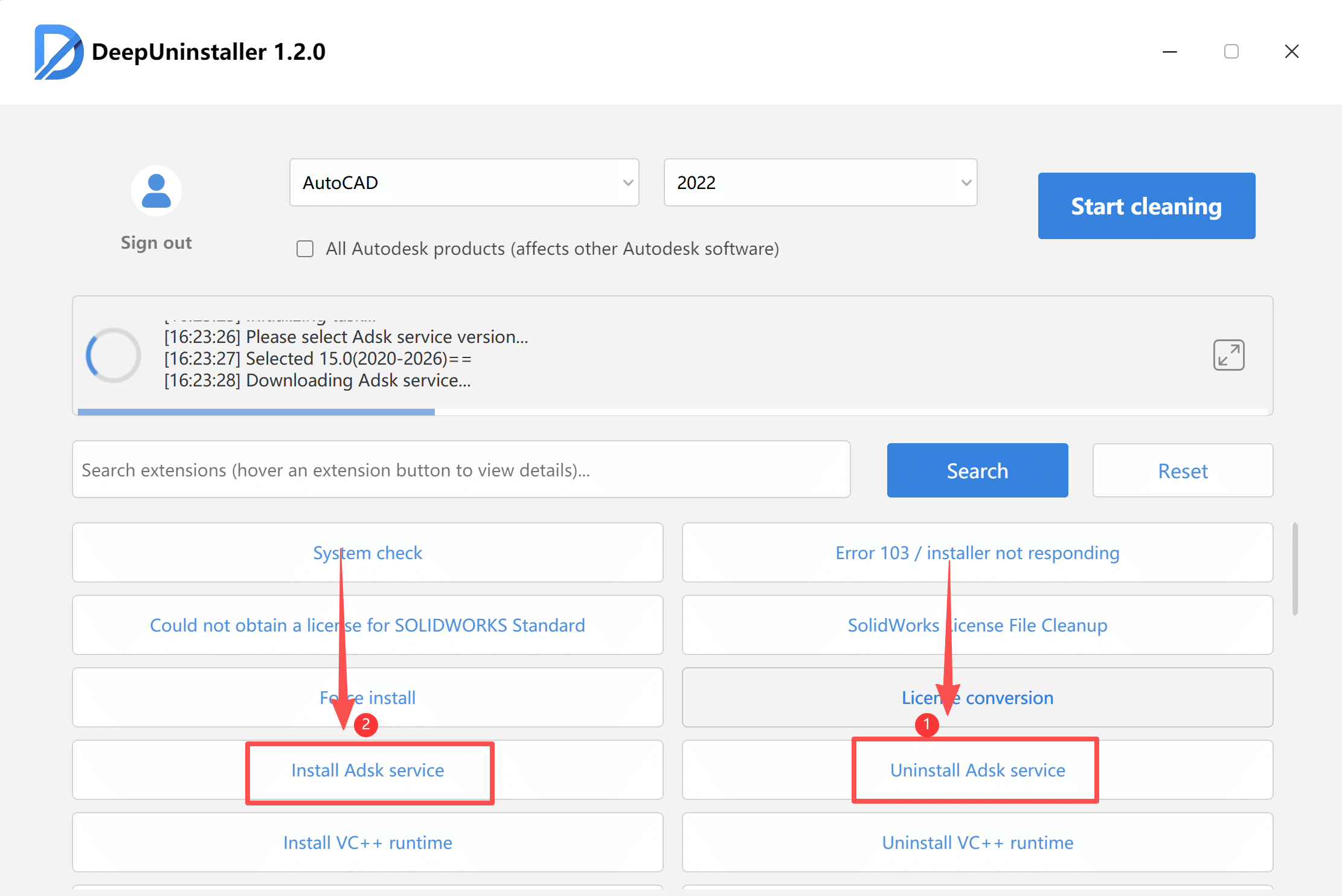
- Install Previous ADSK Service Versions 9.2
- Verify Service Status:Open Windows Services (type
services.mscin the Run dialog) and ensure that the ADSK service is running. If it is not running, start it manually. 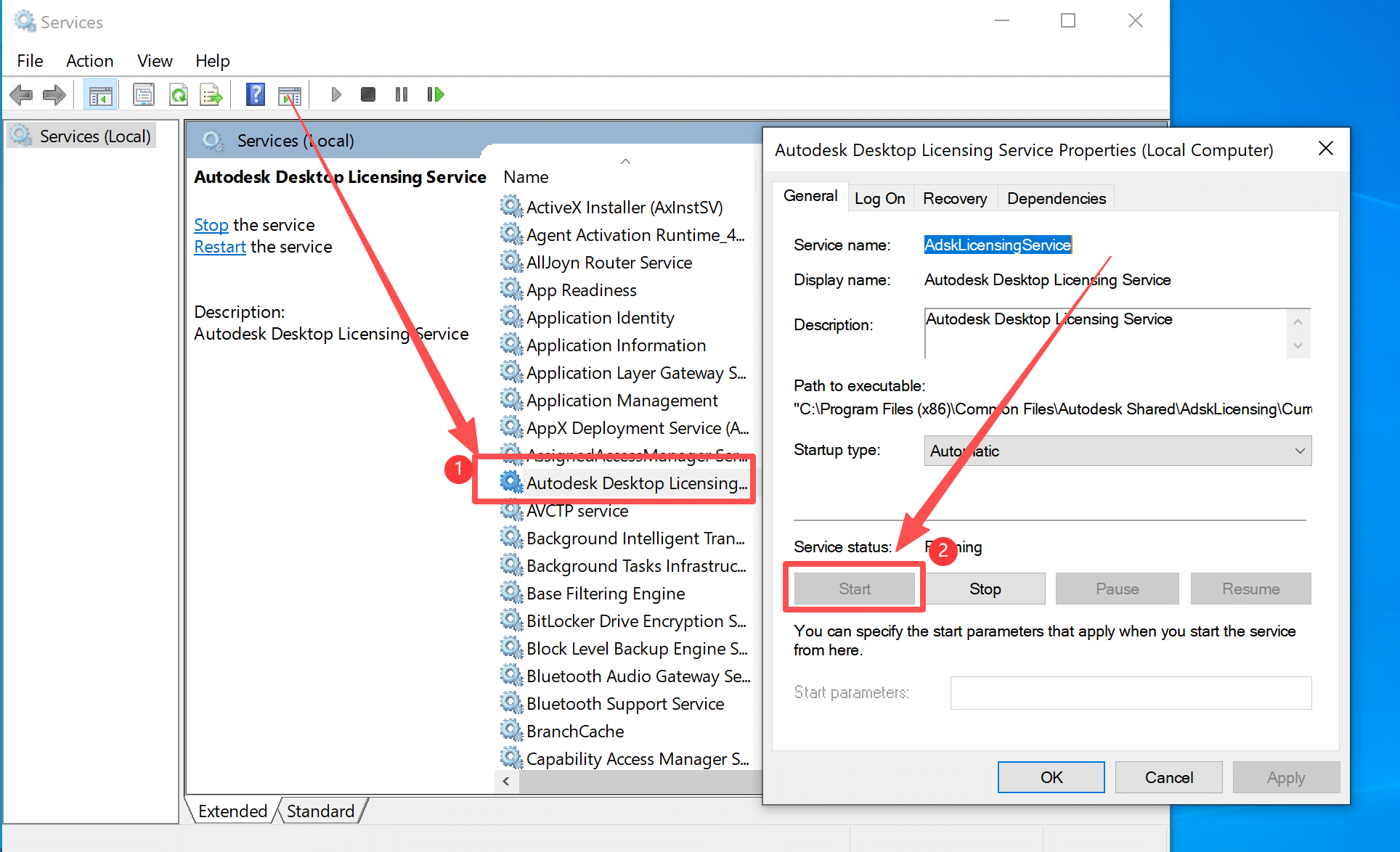
- Reactivate 3ds Max:Relaunch Autodesk 3ds Max 2020 and proceed with the activation process as normal.
답글 남기기