 Korean
  English
  Chinese
  Japanese
  Hindi
Hindi  Spanish
  French
  Arabic
  Bengali
  Russian
  Portuguese
  Indonesian
  German
 Issue:
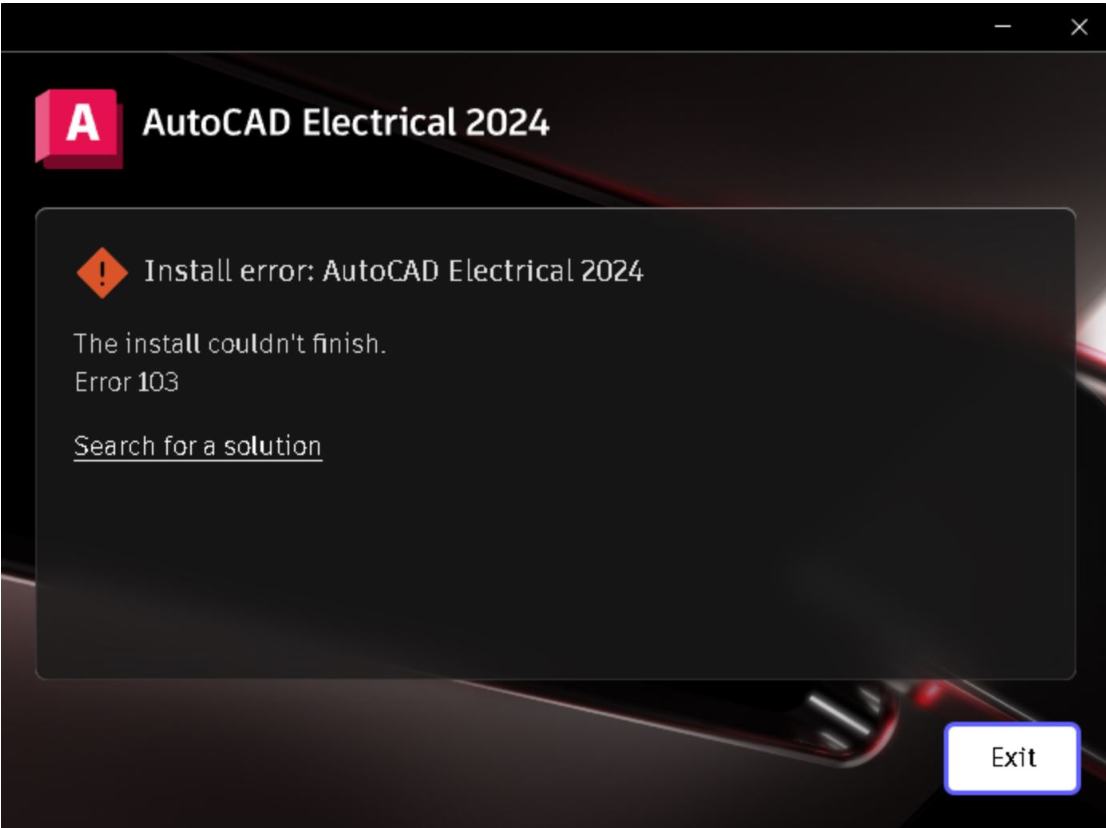
When trying to install Autodesk products, the installation fails with the following:
Install error: [Program Name]
The install couldn’t finish.
Error 103
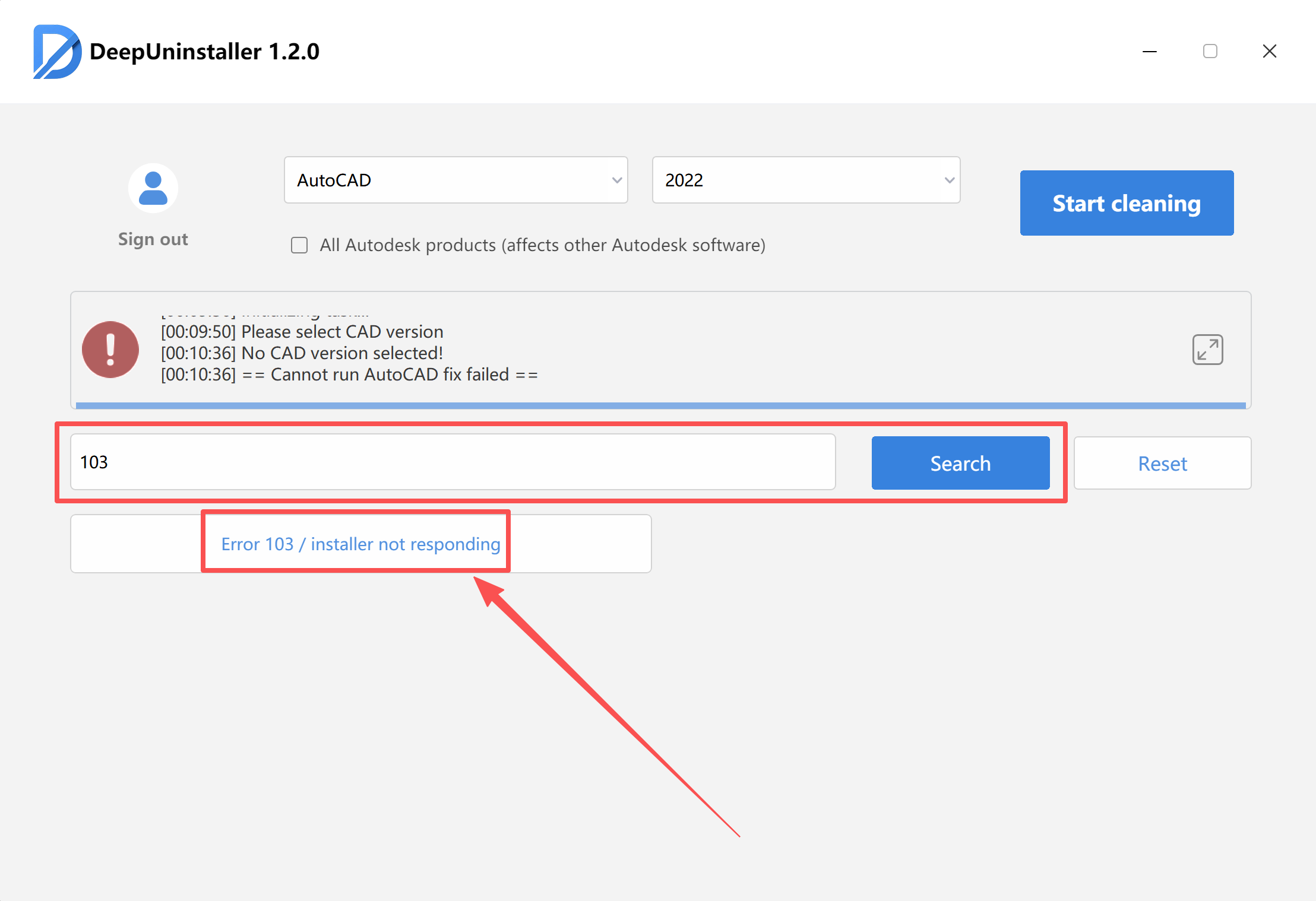
- Open deepuninstaller.
- Enter
103in the search field. - Click 검색.Note: The repair process might take a considerable amount of time, depending on the system’s configuration.
- Wait for the “Repair Successful” prompt to appear.
- Once the repair is confirmed, attempt to reinstall the Autodesk software.
If issues persist, contact Autodesk Support.
답글 남기기