 Korean
  English
  Chinese
  Japanese
  Hindi
Hindi  Spanish
  French
  Arabic
  Bengali
  Russian
  Portuguese
  Indonesian
  German
 Issue:
This article provides steps to address installation errors 1612, 1610, and 1624, often described as an “Application Transformation Error,” during CAD product installation.
Resolution
- Launch the deepuninstaller application.
- Click on “Extended Features.”
- In the search field, enter
1624. - Click “Search.”
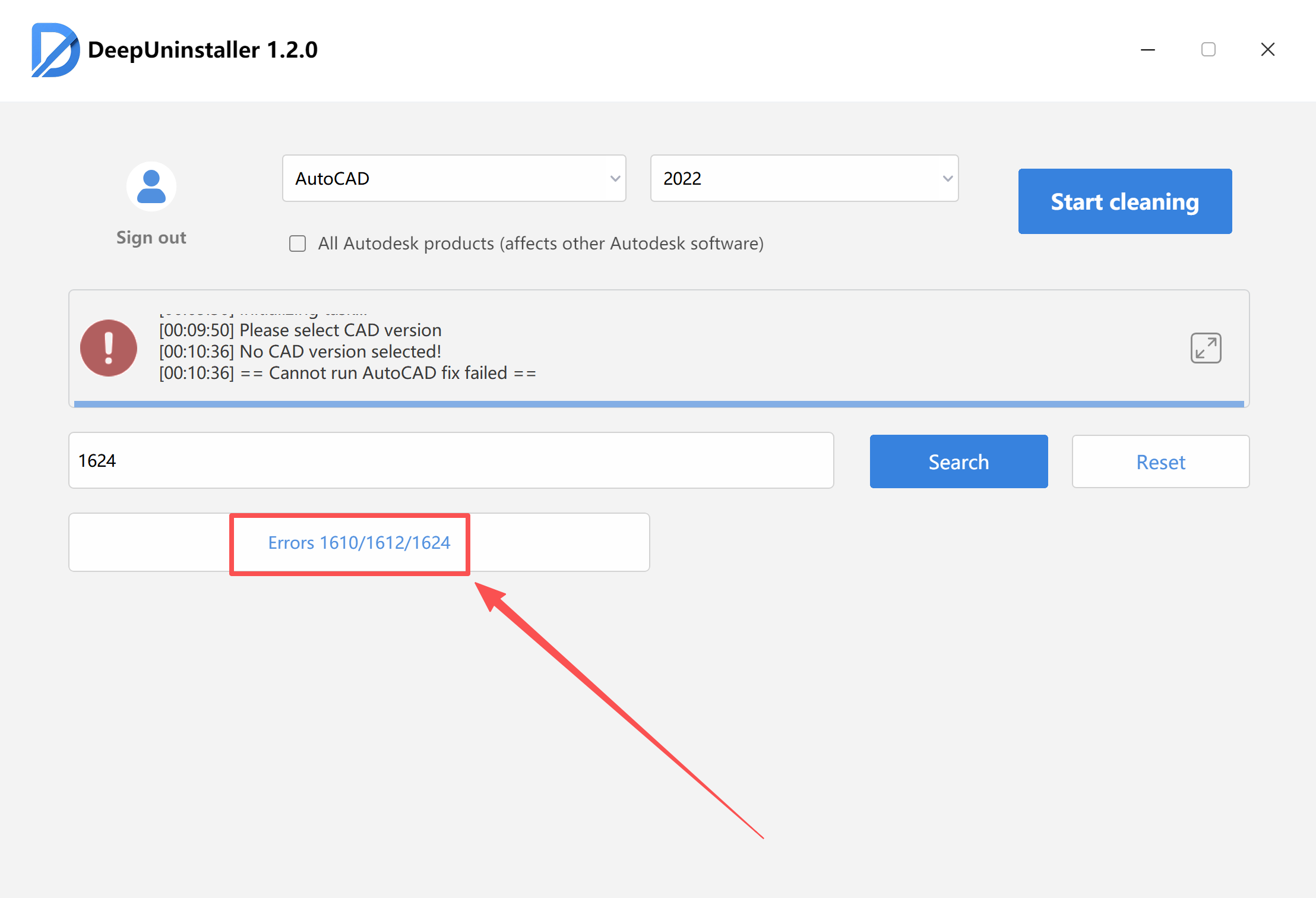
After the repair process indicates success, attempt to reinstall your CAD software.
Note: If the installation error persists after following these steps, please contact technical support for further assistance.
답글 남기기