 Japanese
  English
  Chinese
  Hindi
Hindi  Spanish
  French
  Arabic
  Bengali
  Russian
  Portuguese
  Indonesian
  Korean
  German
 Issue:
When installing CAD software, you may encounter Error 1308, indicating that a source file cannot be found. Follow these steps to resolve the issue.
ソリューション
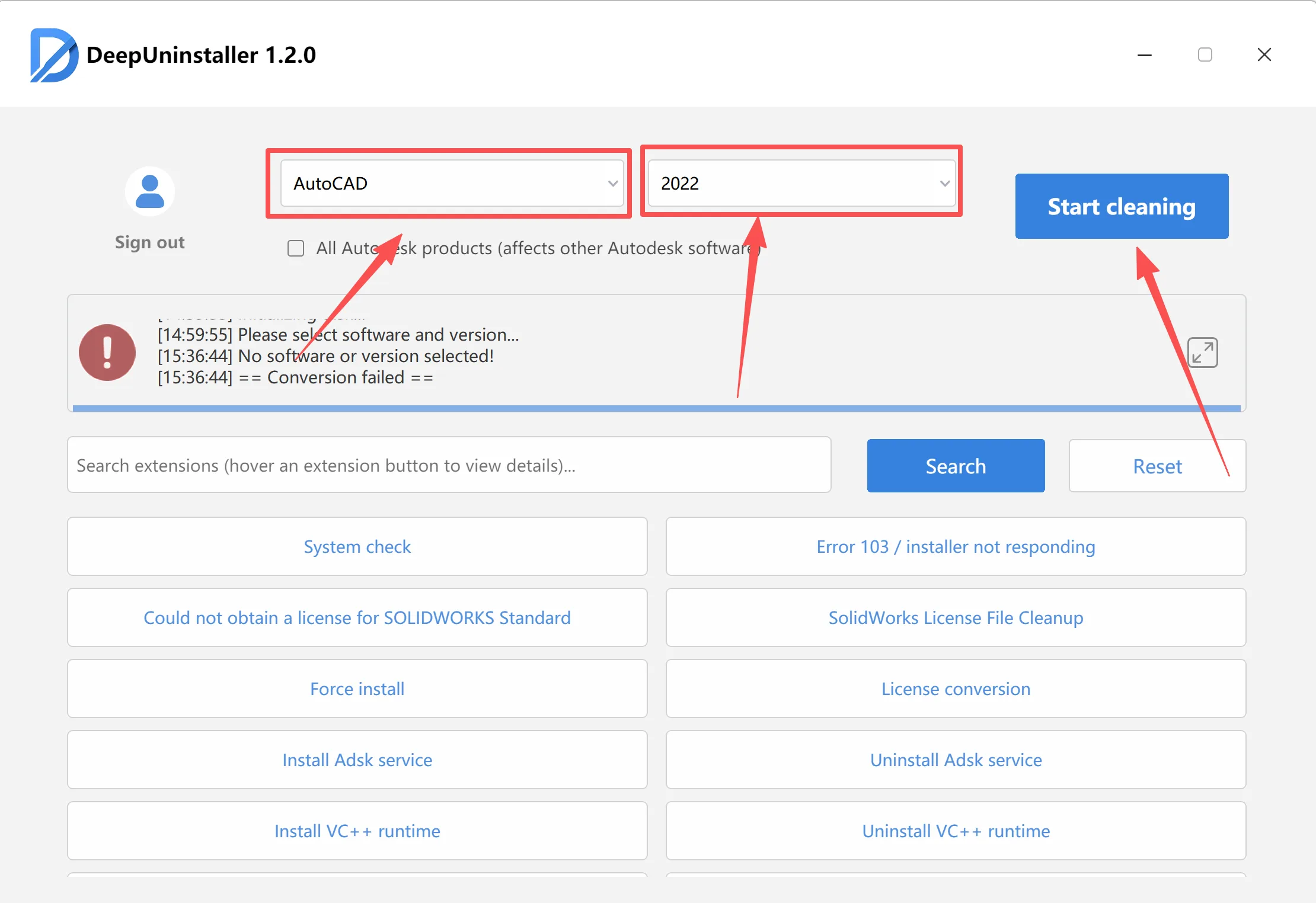
- Open the deepuninstaller software.
- In the deepuninstaller interface, clean up any previous CAD versions that failed to install or are causing conflicts. Select the version you wish to clean and execute the cleanup operation.
- Restart your computer.
- Re-download the CAD software. For instance.
- Restart the CAD installation process.
Note: Avoid using non-standard or third-party compression software such as Bandizip, as these may interfere with the integrity of installation files.
コメントを残す