 Japanese
  English
  Chinese
  Hindi
Hindi  Spanish
  French
  Arabic
  Bengali
  Russian
  Portuguese
  Indonesian
  Korean
  German
 This article provides steps to resolve an issue where the activation interface crashes when attempting to enter a serial number for Autodesk Max versions prior to 2020.
Resolution
Follow these steps to resolve the issue:
- Open ディープアンインストーラ.
- Navigate to the Extensions section and uninstall the
flnxservice.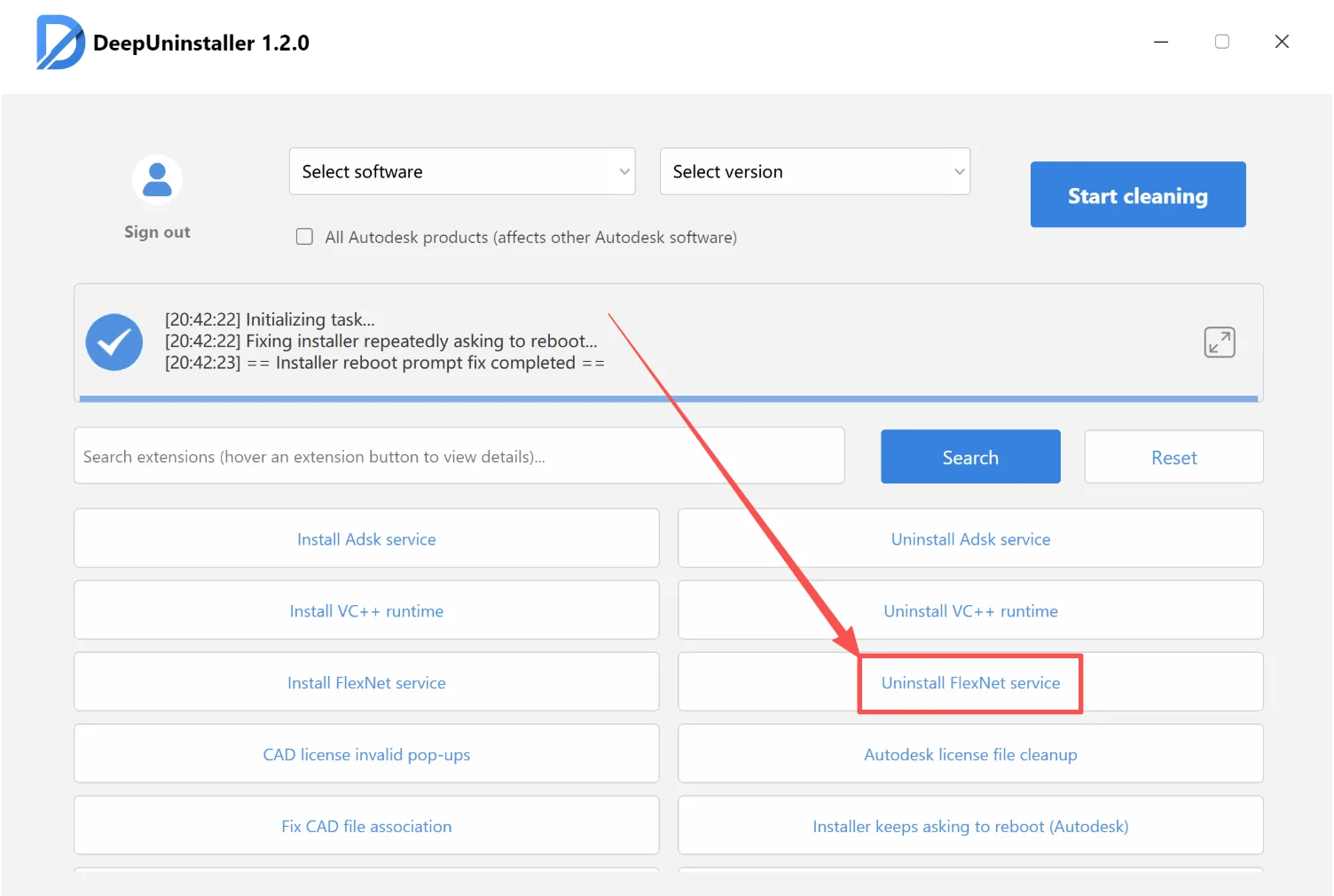
- Select the specific Max version you are using and click Start Cleanup.
- Restart your computer.
- Reinstall Max.
コメントを残す