 Japanese
  English
  Chinese
  Hindi
Hindi  Spanish
  French
  Arabic
  Bengali
  Russian
  Portuguese
  Indonesian
  Korean
  German
 Issue:
When attempting to install an Autodesk product, the installation fails and displays the error message: “0x80070659: This installation is forbidden by system policy. Please contact your system administrator.”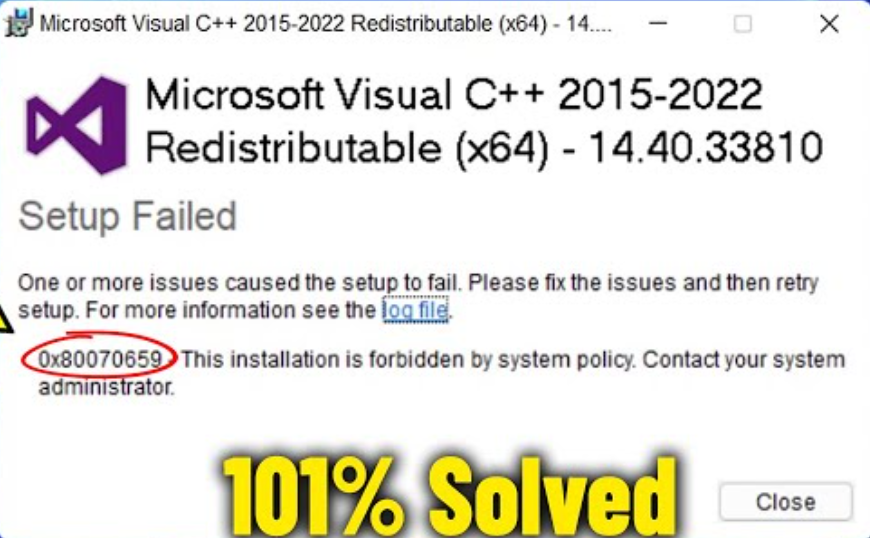
ソリューション
To resolve this issue, use the deepuninstaller utility to repair the relevant component and then retry the installation.
- Open deepuninstaller.
- Navigate to Extension Features.
- Search for
1625. - Click the
1625button to initiate the repair process.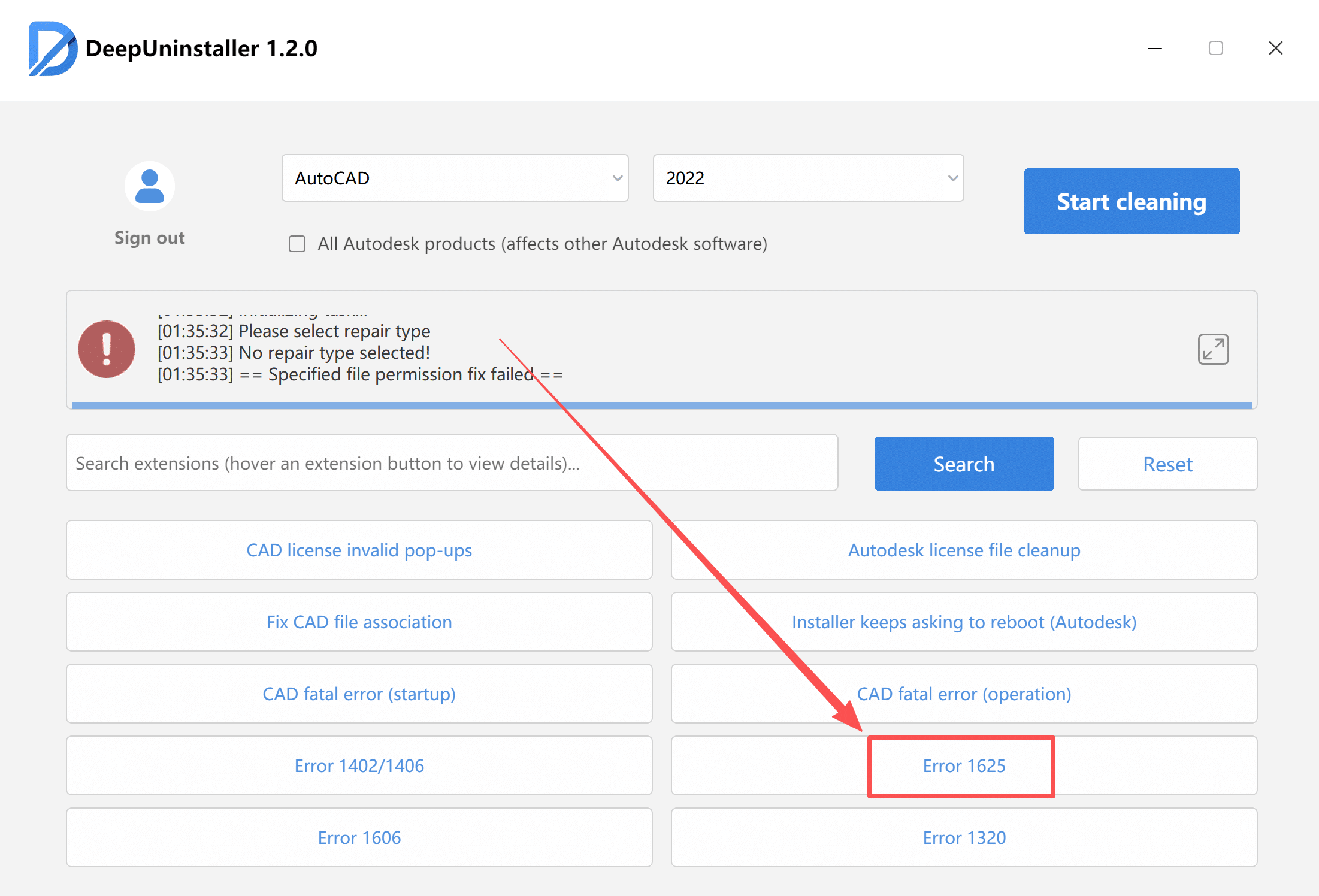
- After the repair is complete, attempt to install the Autodesk product again.
コメントを残す