 Japanese
  English
  Chinese
  Hindi
Hindi  Spanish
  French
  Arabic
  Bengali
  Russian
  Portuguese
  Indonesian
  Korean
  German
 Issue:
When attempting to install Autodesk software, the installation fails with "Error 1303. The installer does not have sufficient privileges to access this directory: C:\..." followed by a specific path.
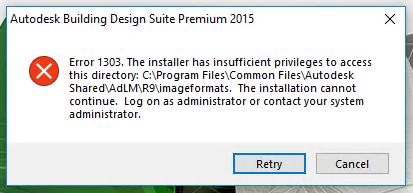
Cause
This error typically indicates that the installation program lacks the necessary read/write permissions for a specific directory, or User Account Control (UAC) settings are preventing the installer from making required changes.
ソリューション
To resolve Error 1303, follow these steps to adjust Group Policy settings and repair folder permissions:
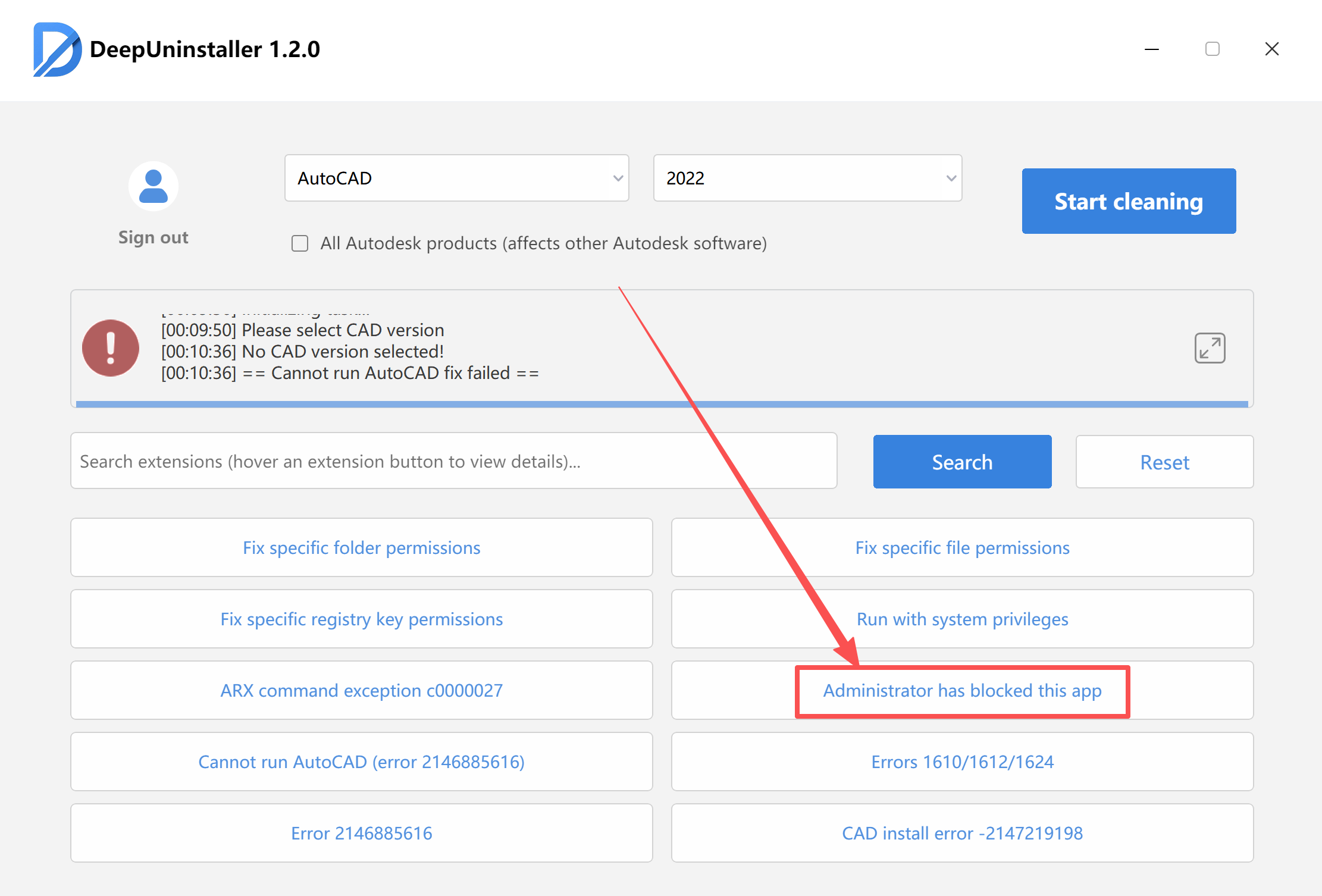
- Disable User Account Control (UAC) Policy:
- Click the “Administrator has blocked this app” button in DeepUninstaller, then restart your computer.
- Restart your computer.
- Click the “Administrator has blocked this app” button in DeepUninstaller, then restart your computer.
- Repair Folder Permissions using deepuninstaller:
- Open the
ディープアンインストーラapplication. - Navigate to “Extended Features” (or a similar menu option within
ディープアンインストーラ). - Select “Fix specific folder permissions.”
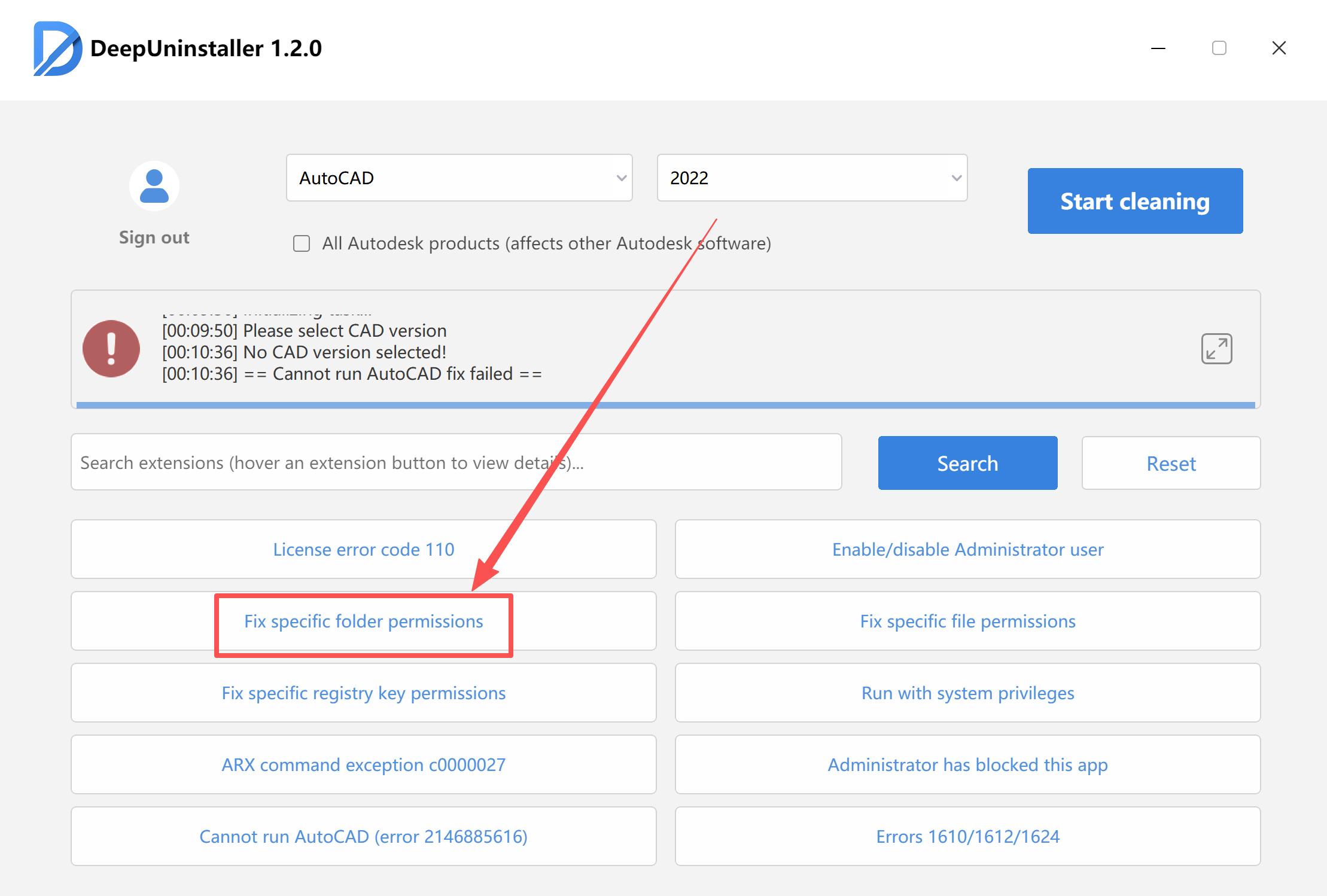
- Specify the exact folder path that was indicated in the “Error 1303” message.For example, if the error message stated
C:\Program Files\Common Files\Autodesk Shared\AdLM\R9, enter this path. - Allow
ディープアンインストーラto complete the permission repair process.
- Open the
- Retry Installation:
- Once the above steps are completed, attempt to install the Autodesk software again.
コメントを残す