 Hindi
Hindi  English
  Chinese
  Japanese
  Spanish
  French
  Arabic
  Bengali
  Russian
  Portuguese
  Indonesian
  Korean
  German
 Issue:
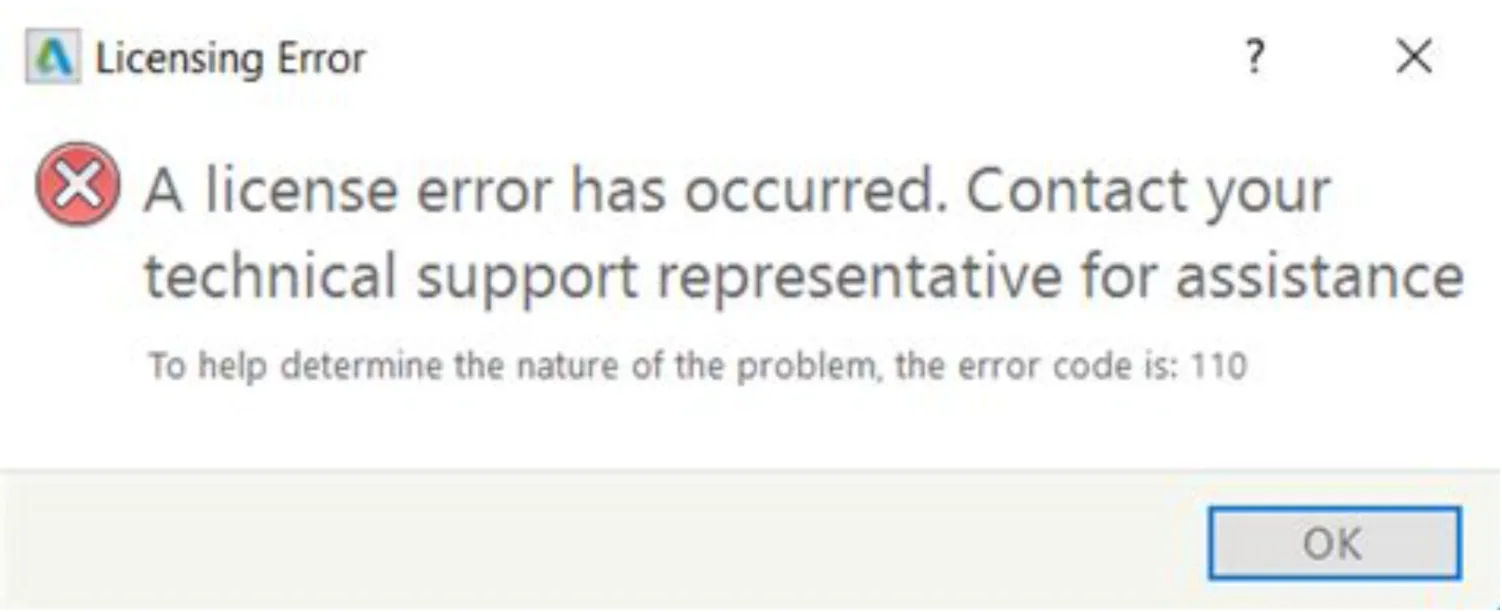
When you encounter License Error 110 while using Autodesk software, you can follow these steps to resolve the issue:
A license error has occurred. Contact yourtechnical support representative for assistanceTo help determine the nature of the problem, the error code is: 110

Solution
- Open the deepuninstaller software.
- In the deepuninstaller interface, click Extension Options.
- Within Extension Options, locate and click License error code 110.
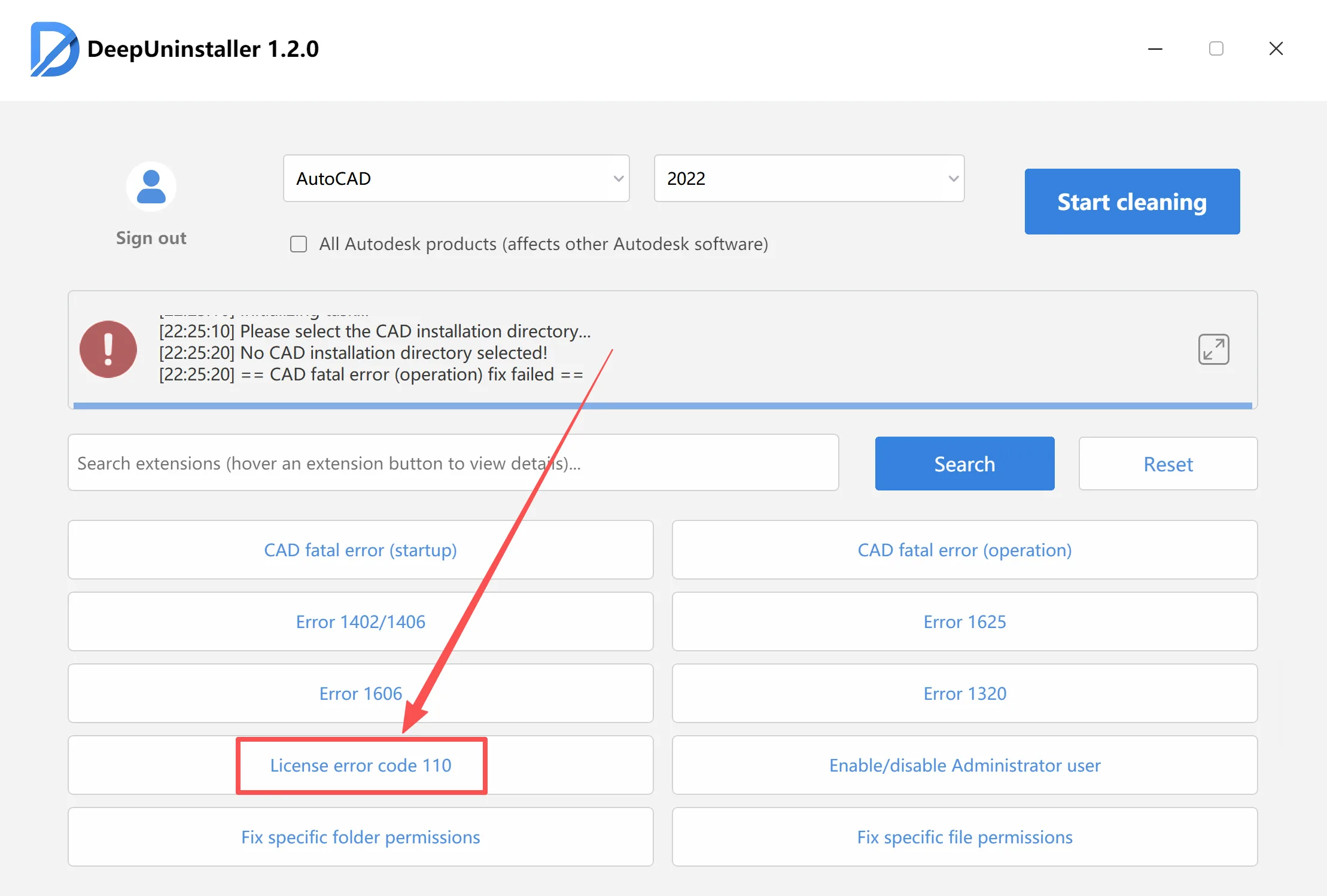
A notification indicating successful repair will be displayed upon completion.
प्रातिक्रिया दे