 Spanish
  English
  Chinese
  Japanese
  Hindi
Hindi  French
  Arabic
  Bengali
  Russian
  Portuguese
  Indonesian
  Korean
  German
 Issue:
Autodesk software fails to start and displays the following message:
acad.exe – Application Error
The application was unable to start correctly (0xc0000142). Click OK to close the application.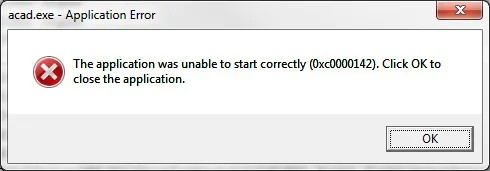
powershape.exe – Application Error
The application was unable to start correctly (0xc0150004). Click OK to close the application.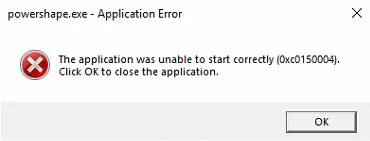
VREDPro.exe – Application Error
The application was unable to start correctly (0xc000007b). Click OK to close the application.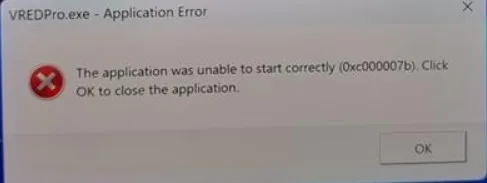
Other possible error codes include, but are not limited to:
0xc0000005.
0xc000007b.
0xc0000142.
0xc0000005.
Symptoms
- AutoCAD does not start or launch after a successful installation.
- An error message displaying code 0xc0000142 appears.
Causes
Potential causes include:
- Corrupted or incomplete previous installations.
- Conflicting operating system language settings, particularly “beta” language support options.
Solución
To resolve this issue, follow these steps:
- Perform a Clean Uninstall and Reinstall
- Completely remove any existing AutoCAD installations using the deepuninstaller tool.
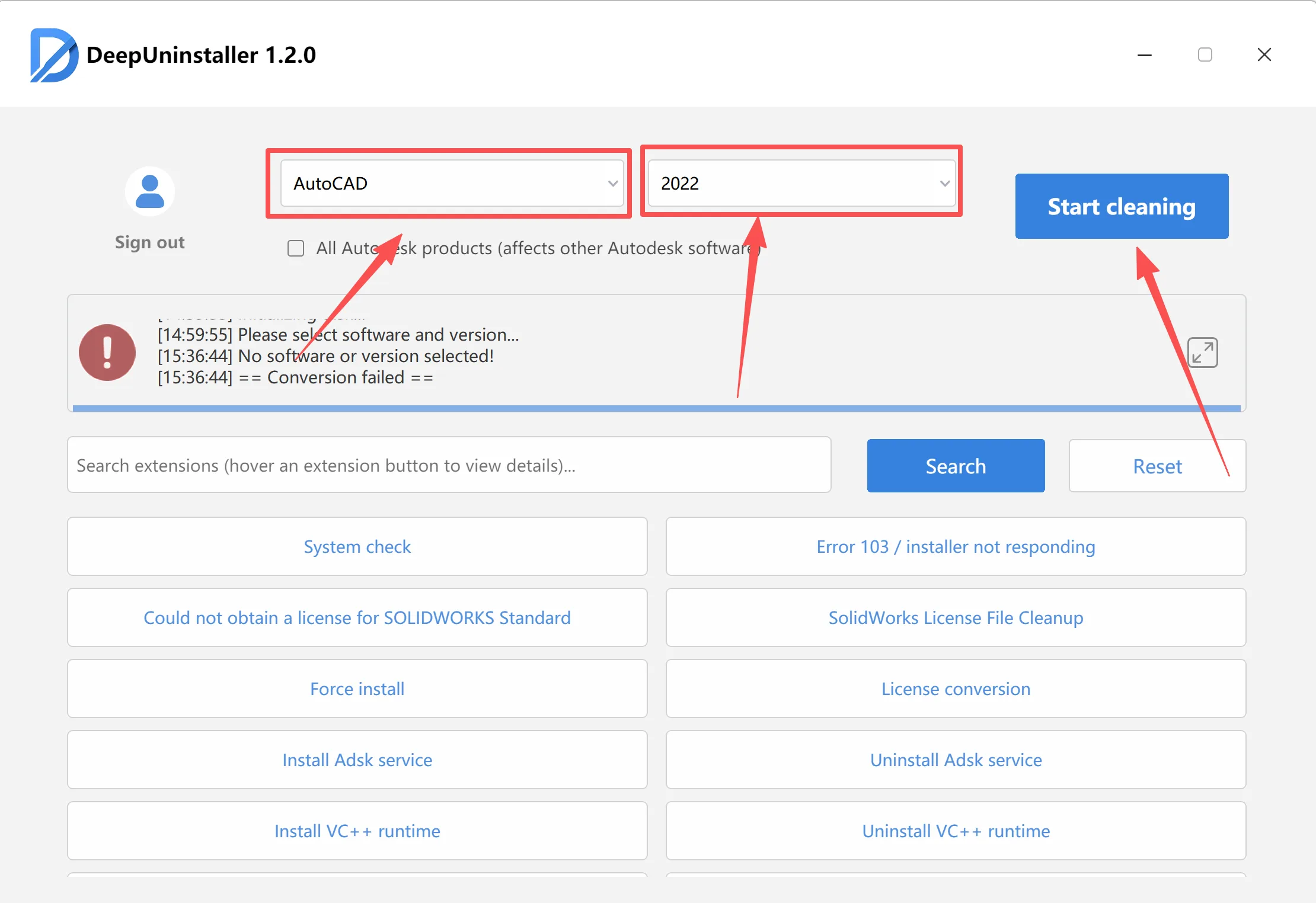
- Reboot your system.
- Reinstall AutoCAD .
- Completely remove any existing AutoCAD installations using the deepuninstaller tool.
- Adjust Operating System Language Settings (If Issue Persists)If the application still fails to launch after a clean uninstall and reinstall, check your operating system’s language settings:
- Open Region Settings or Language Settings on your computer. The exact path varies by operating system version (e.g., Control Panel > Clock and Region > Region > Administrative tab > Change system locale, or Settings > Time & Language > Language & region).
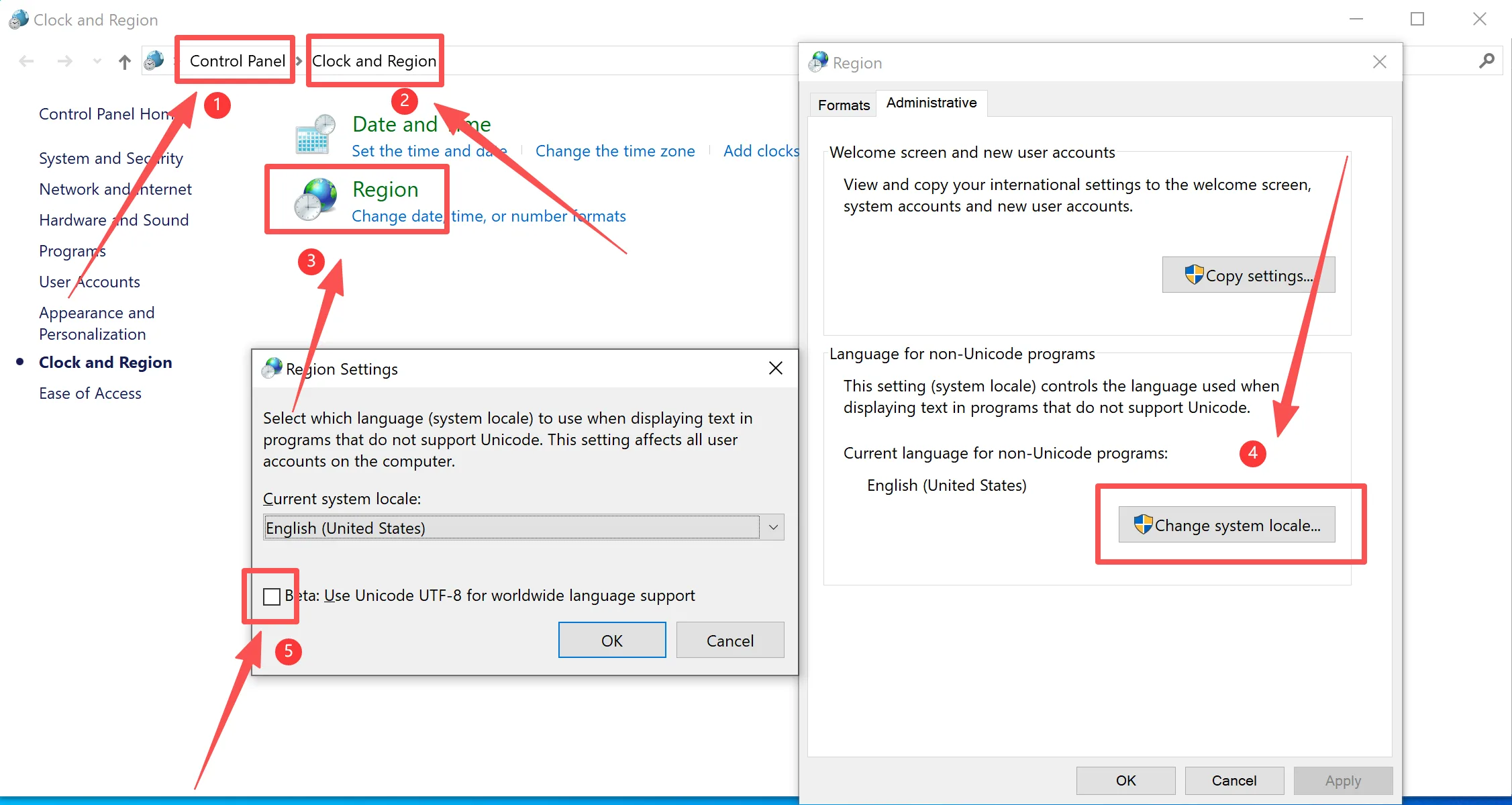
- Look for options related to “Beta: Use Unicode UTF-8 for worldwide language support” or similar beta language features.
- Ensure this option is unchecked.
- Restart your computer.
- Open Region Settings or Language Settings on your computer. The exact path varies by operating system version (e.g., Control Panel > Clock and Region > Region > Administrative tab > Change system locale, or Settings > Time & Language > Language & region).
After completing these steps, launch AutoCAD to verify the resolution.
Deja una respuesta