 English
  Chinese
  Japanese
  Hindi
Hindi  Spanish
  French
  Arabic
  Bengali
  Russian
  Portuguese
  Indonesian
  Korean
  German
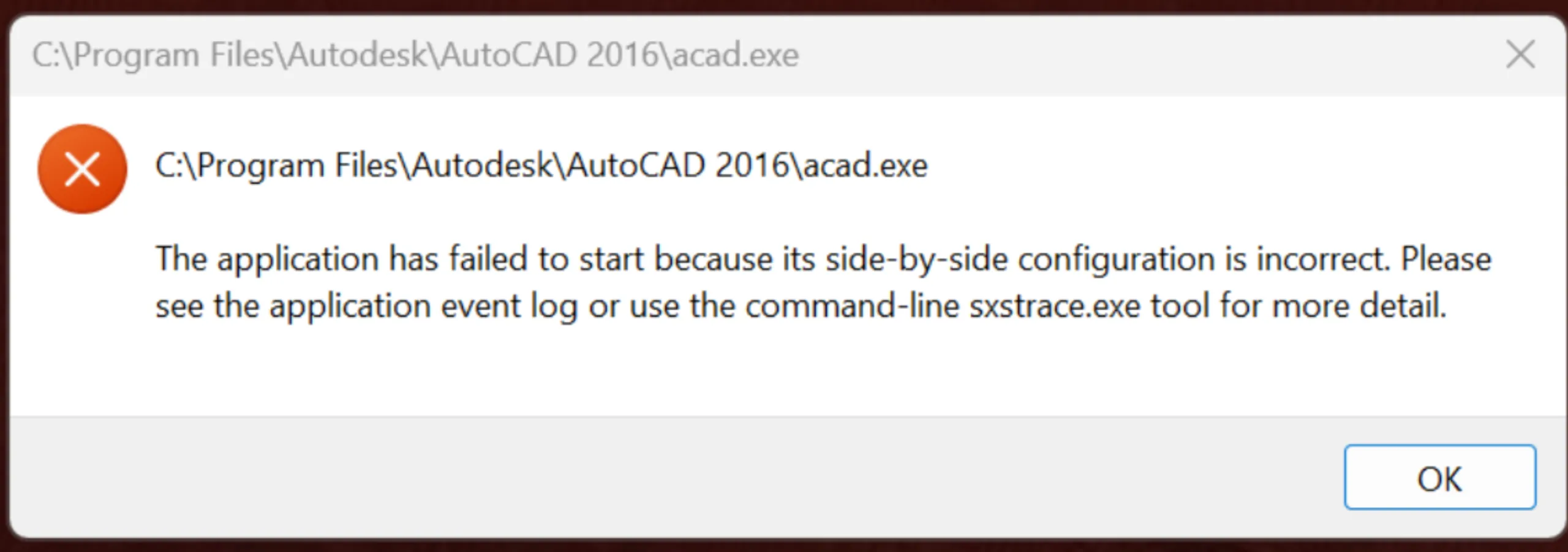
 When launching an Autodesk product, the following message appears:
C:\Program Files\Autodesk\<Program>\<Program>.exe
Cause
This issue can stem from several factors, including:
- Corrupted or missing Microsoft Visual C++ Redistributable packages.
- Interference from malicious software, such as worm viruses.
Solution
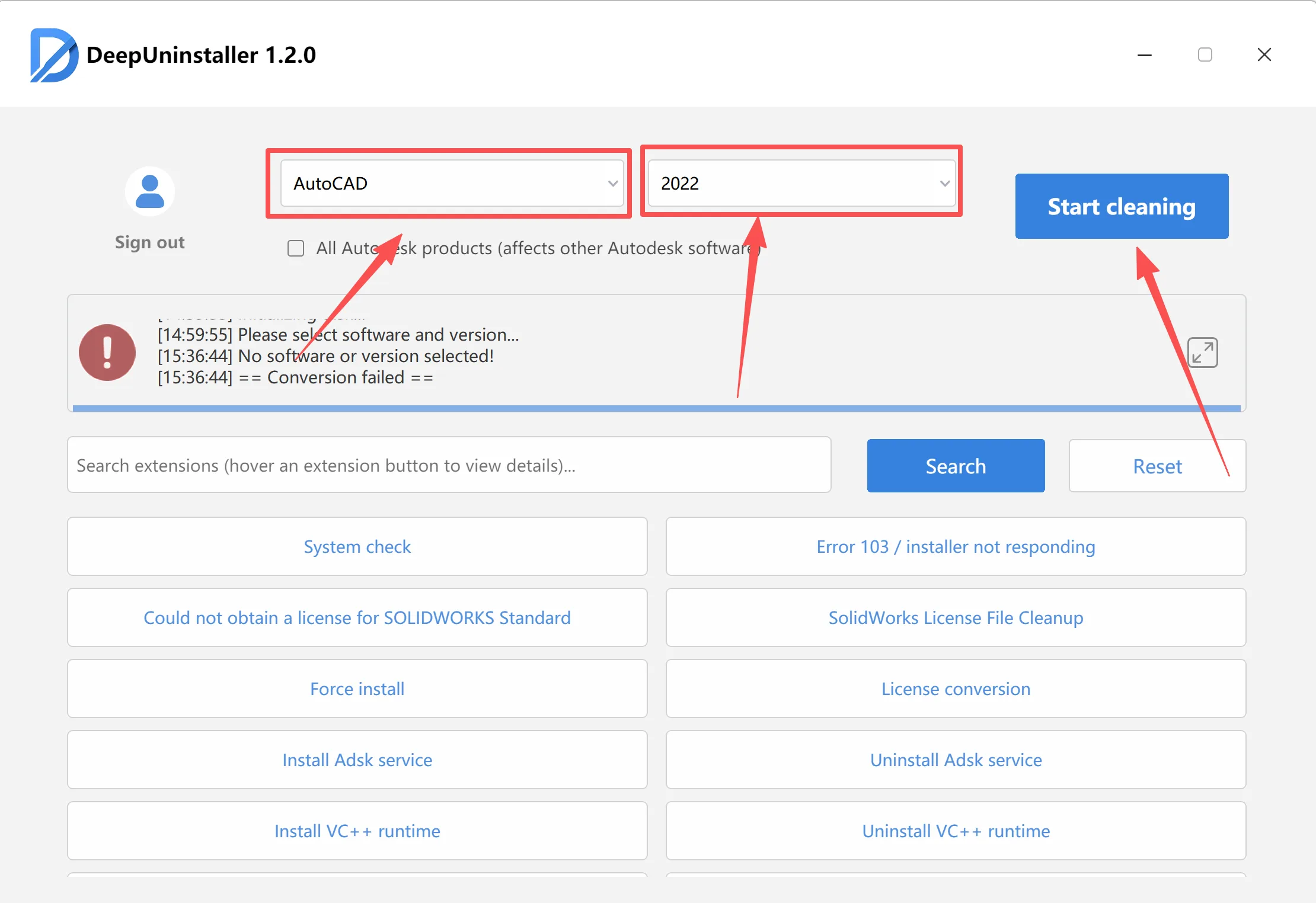
- First, completely uninstall the software.
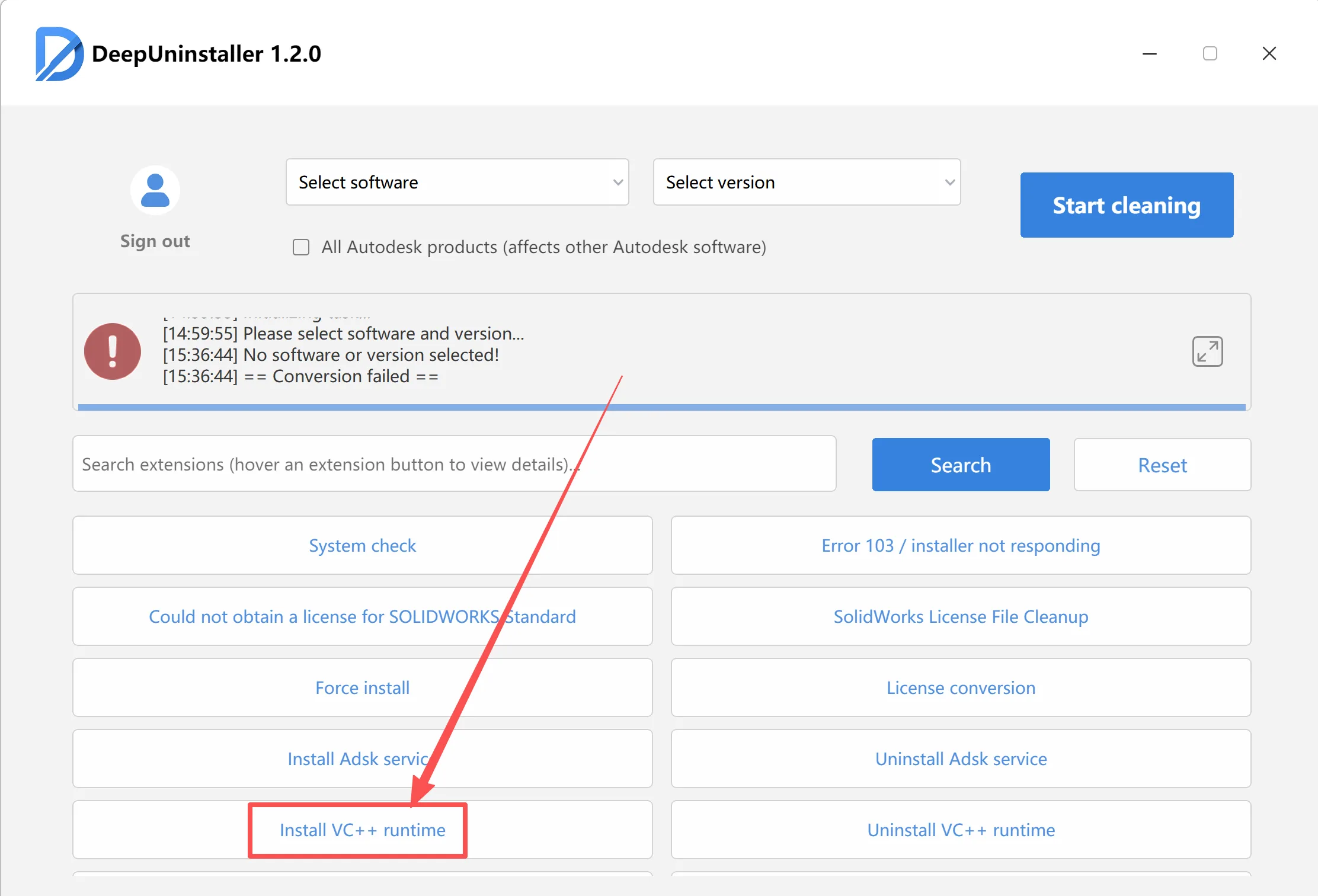
- Then open the “Install VC++ runtime” option within the extension.
- Finally, reinstall the software.
If the runtime library installs successfully but the error persists—or if the software only opens on the first attempt after reinstalling the system, crashing on the second restart—
Perform a full system scan with your antivirus software.
This often detects worm viruses. After cleaning and restarting, try opening the software again.
Leave a Reply