 English
  Chinese
  Japanese
  Hindi
Hindi  Spanish
  French
  Arabic
  Bengali
  Russian
  Portuguese
  Indonesian
  Korean
  German
 Resolution
1. Clean Windows Temporary Files
- In the Windows search bar (located above the Start button), type
\%TEMP\%and press Enter. - In the
Tempfolder that opens, select all files and folders. - Delete the selected items.Note: If prompted that some files or folders cannot be deleted, select “Skip” or “OK” to proceed.
2. Prepare System and Reattempt Installation
- Ensure any previous problematic or incomplete Autodesk software installations are completely removed from the system to prevent conflicts.
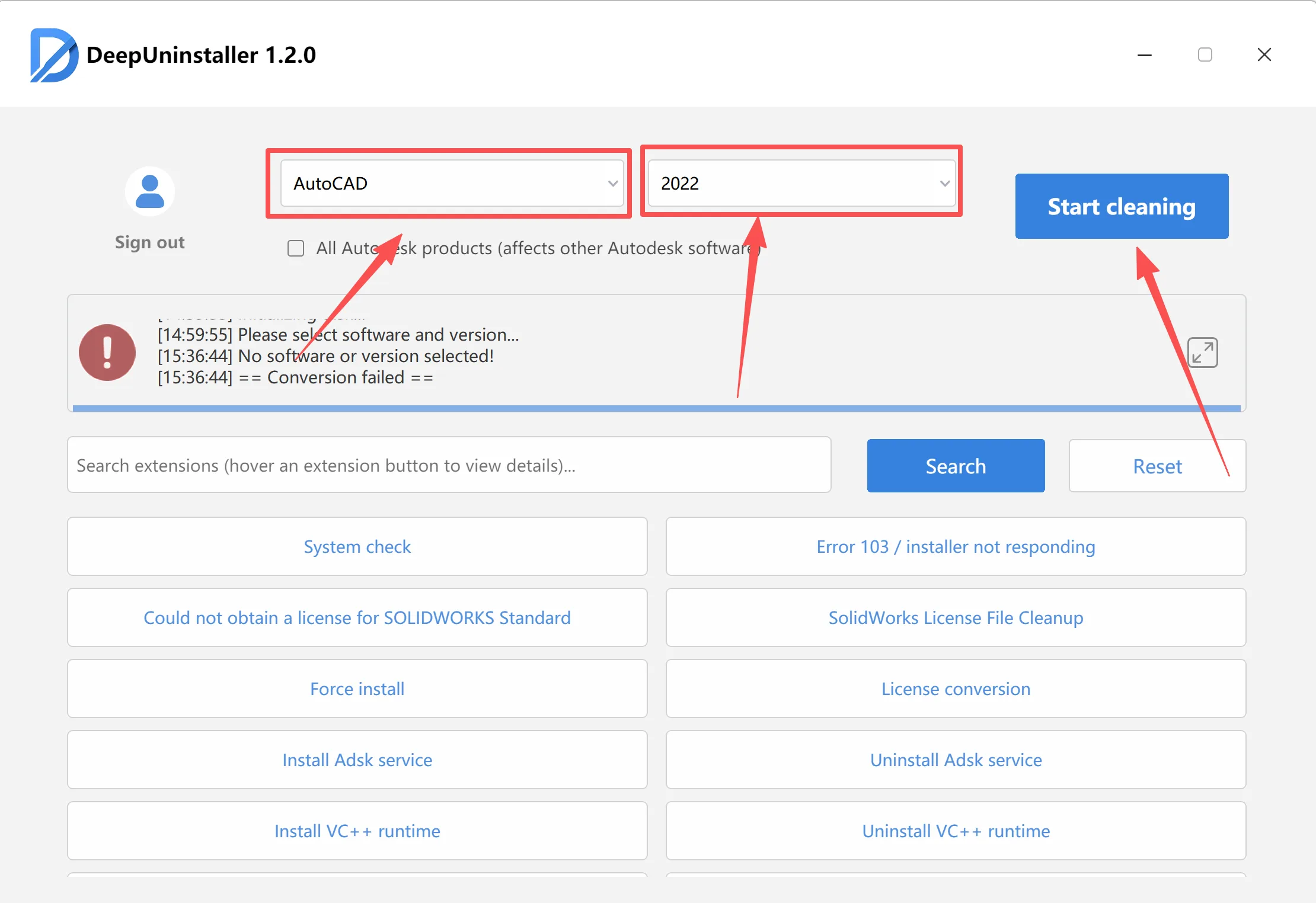
- Restart your computer.
- After the computer restarts, open Task Manager and navigate to the “Services” tab.
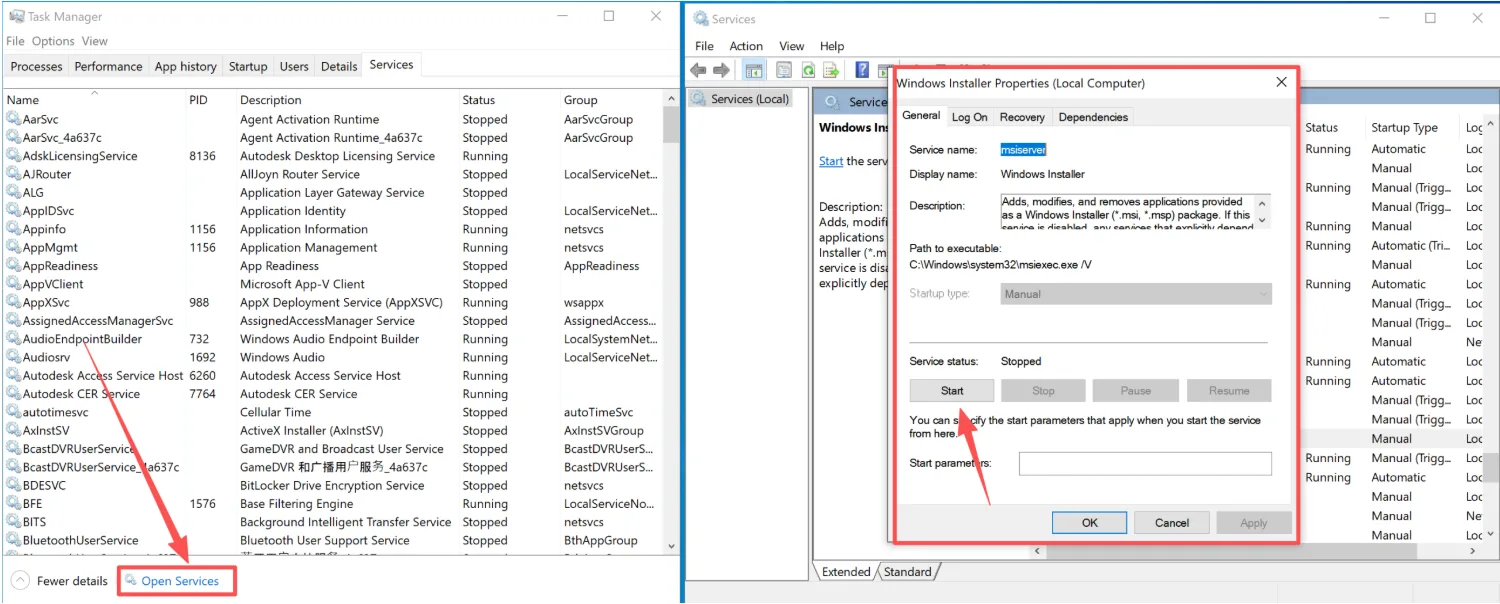

- Attempt to install the Autodesk software again.
Leave a Reply