 English
  Chinese
  Japanese
  Hindi
Hindi  Spanish
  French
  Arabic
  Bengali
  Russian
  Portuguese
  Indonesian
  Korean
  German
 Issue:
When launching an Autodesk product, the following error message appears:
We couldn't create the data directory
Microsoft Edge can't read and write to its data directory:
C:\Program Files\Autodesk\AutoCAD2023\.WebView2\1\EBWebView
Note: The folder path may vary depending on the product version and installation location.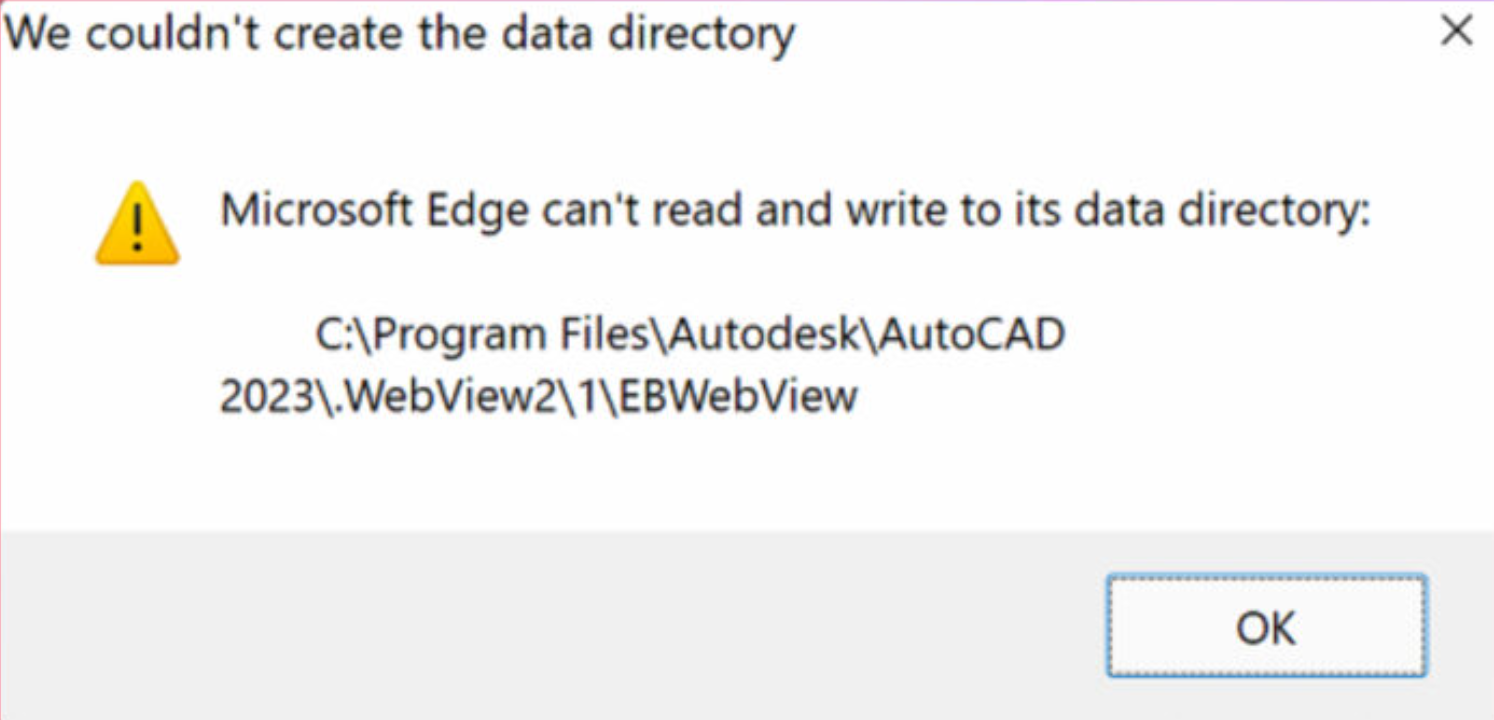
This message may be followed by a dialog box stating that the customization file cannot be found: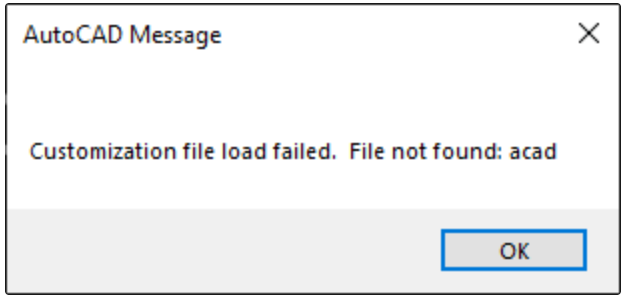
Customization file load failed, File not found: acadAttempting to reset AutoCAD to its default settings might also generate the following dialog box: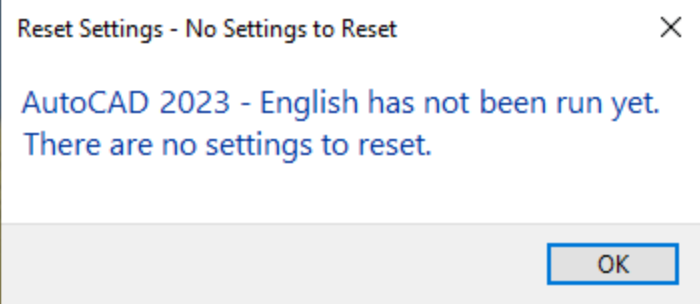
AutoCAD 2023 - English has not been run yet.
There are no settings to reset.
Cause
- Insufficient end-user read/write permissions.
- Corrupted Microsoft WebView2 application installation.
Solution
- Open deepuninstaller.
- Click on Extensions.
- Enter “Cannot run AutoCAD (error 2146885616)” in the search bar and click Search.
- Select the button that corresponds to your software version.
- If this error occurs with version 2023 or above, select the “2023 and above” button.
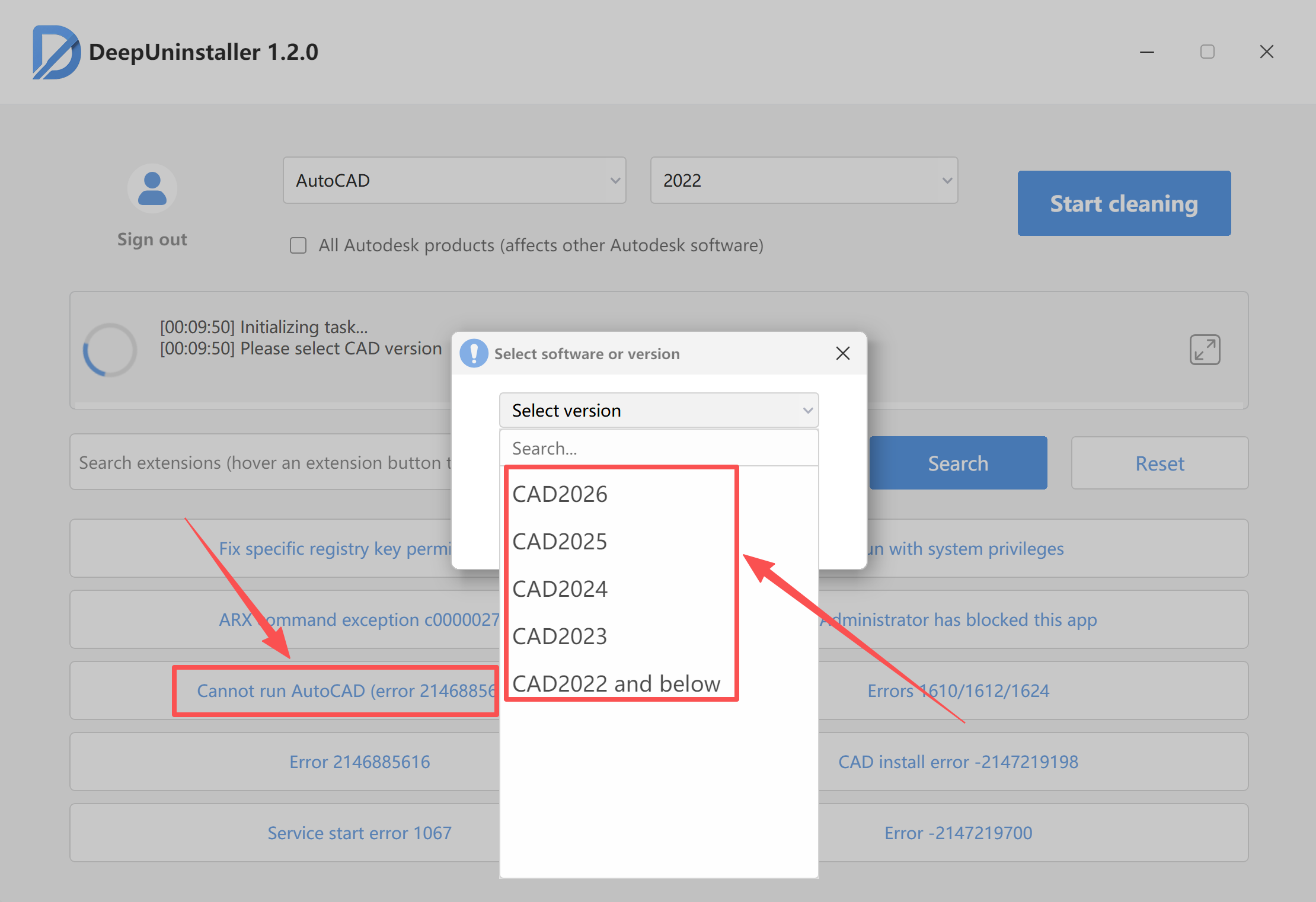
- Click Start Repair and wait for the repair process to complete.
- Then, attempt to reopen the software.
Leave a Reply