 English
  Chinese
  Japanese
  Hindi
Hindi  Spanish
  French
  Arabic
  Bengali
  Russian
  Portuguese
  Indonesian
  Korean
  German
 Issue:
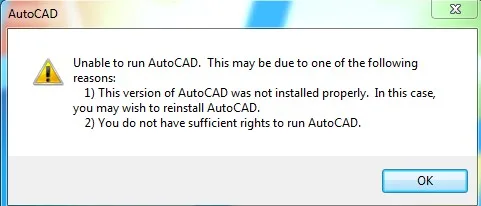
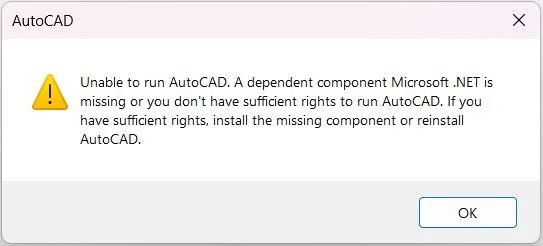
When launching AutoCAD 2023, 2024, 2025, or newer versions, the software fails to start and displays the following error message:
This version of AutoCAD is incorrectly installedThis error may be accompanied by additional messages indicating missing dependency components, such as:
Missing dependency component Microsoft Edge webview2 RuntimeMissing dependency component Microsoft.NET and You must install .NET Desktop Runtime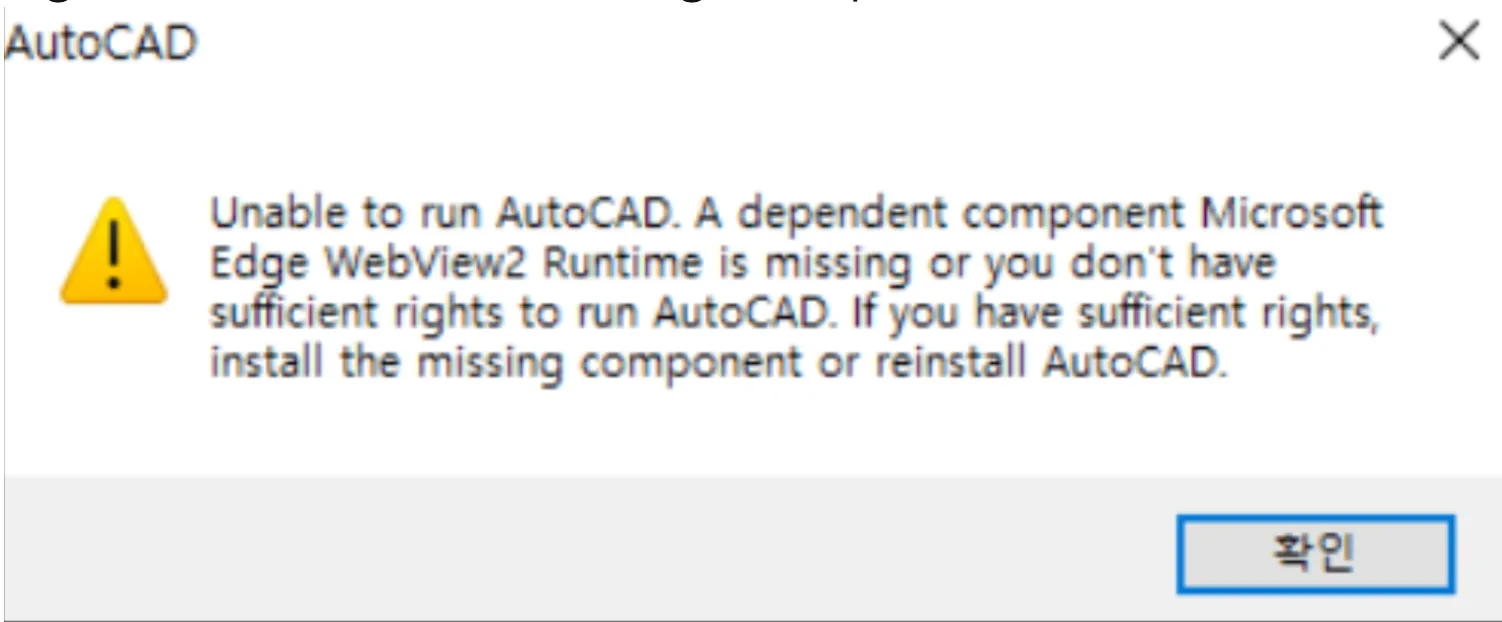

Cause
This issue typically occurs when essential dependency components required by AutoCAD, such as Microsoft Edge WebView2 Runtime or specific .NET Desktop Runtime versions, are either missing or improperly installed on the system.
Solution
Follow these steps to resolve the incorrect installation and missing dependency errors:
- Open deepuninstaller.
- Click on Extensions.
- In the search bar, type
unable to runand click Search. - Select the button that corresponds to your AutoCAD software version.
- If you are addressing an older AutoCAD version and encounter prompts, restart your computer after the prompts appear. Then, click the same button again, still selecting the older version option.
- If the error occurs with AutoCAD versions 2023 and above, select the 2023 and above button.
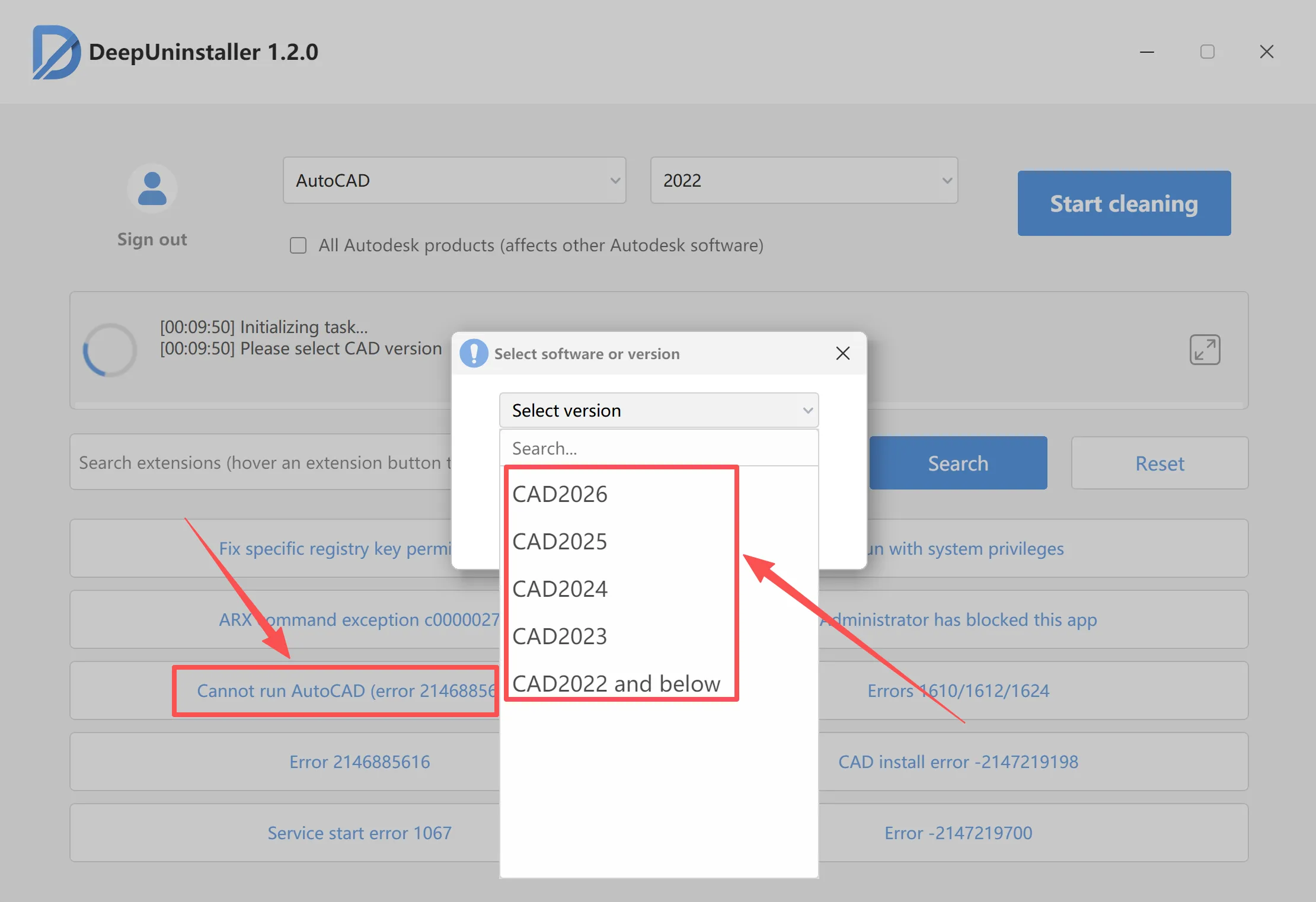
- Click Start Repair and wait for the repair process to complete.
- Upon successful repair, a confirmation message should appear.
- Attempt to reopen the AutoCAD software.
Leave a Reply