 German
  English
  Chinese
  Japanese
  Hindi
Hindi  Spanish
  French
  Arabic
  Bengali
  Russian
  Portuguese
  Indonesian
  Korean
 This article provides steps to resolve a fatal error encountered when launching AutoCAD 2018.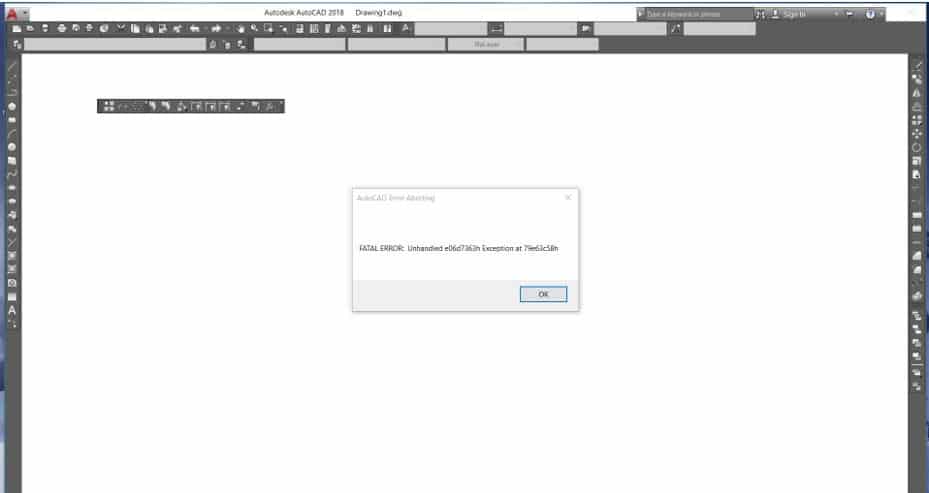
Steps to Resolve
- Uninstall AutoCAD.
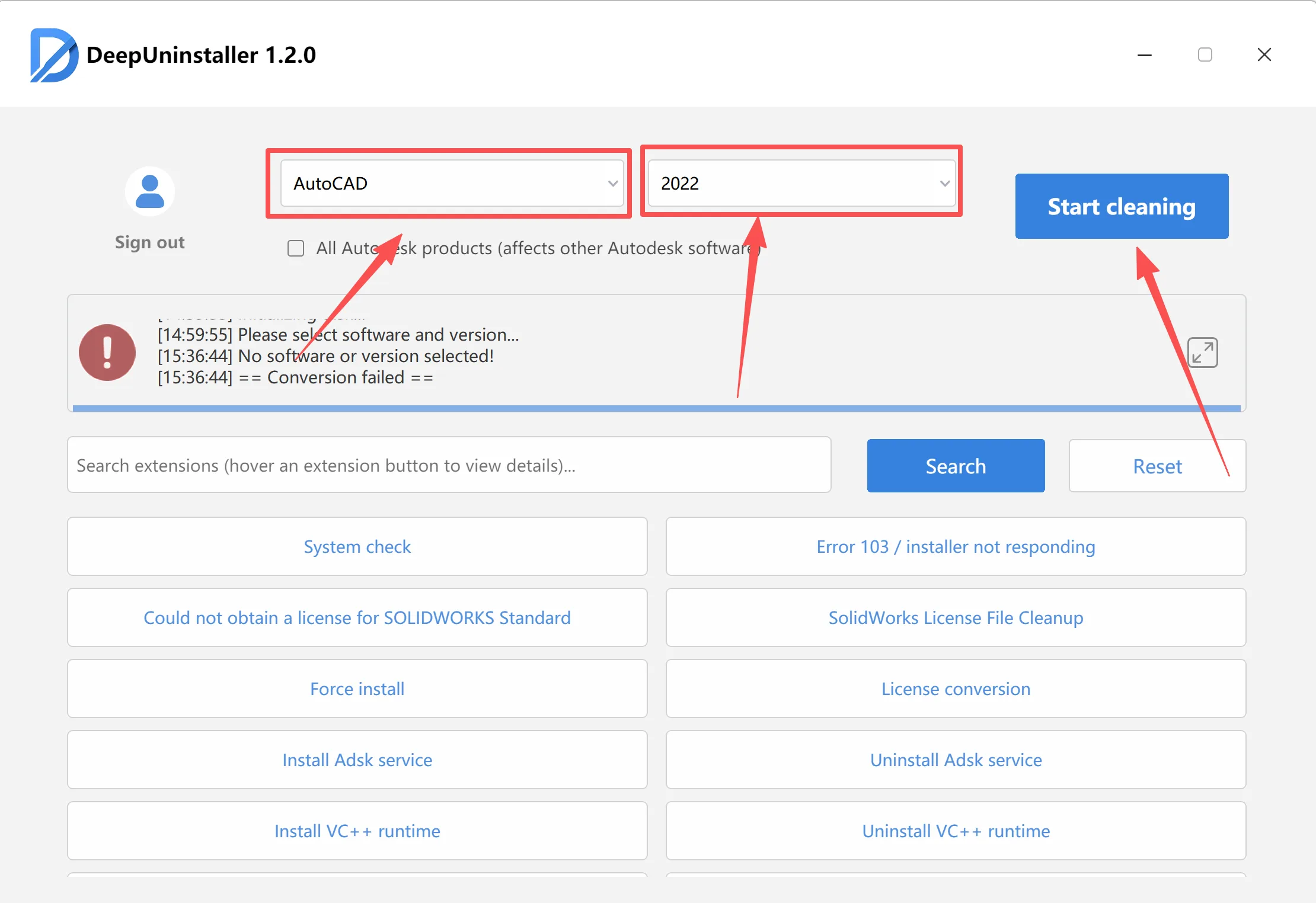
- Restart your computer.
- Reinstall AutoCAD.
- After successful reinstallation, if the interface or program settings are not at their default configuration, reset AutoCAD to default settings.
Schreiben Sie einen Kommentar