 German
  English
  Chinese
  Japanese
  Hindi
Hindi  Spanish
  French
  Arabic
  Bengali
  Russian
  Portuguese
  Indonesian
  Korean
 Issue:
During the installation of Office, an installation error similar to the following may occur, displaying either Error 1402 or Error 1406:
Lösung
To resolve installation errors 1402 or 1406, follow the steps below:
- Launch
deepuninstaller. - Click on “Extensions”.
- In the search bar, type
1402. - Click the search button to initiate the repair process.
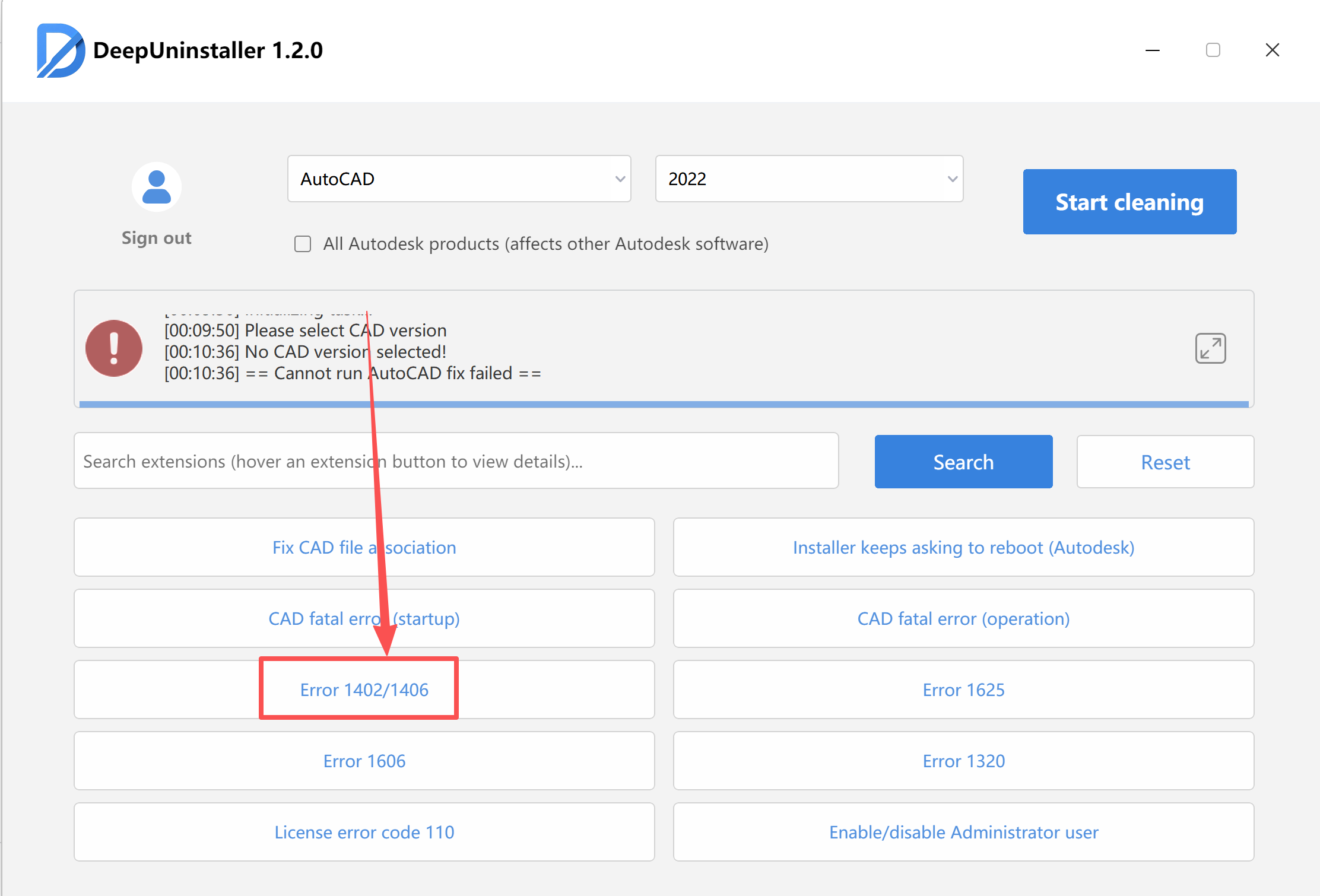
- Wait for the repair to complete successfully.
- Once the repair is finished, attempt to install Office again.
Schreiben Sie einen Kommentar