 Arabic
  English
  Chinese
  Japanese
  Hindi
Hindi  Spanish
  French
  Bengali
  Russian
  Portuguese
  Indonesian
  Korean
  German
 الإصدار
When attempting to install Autodesk CAD 2006, the installation fails, displaying an error message indicating that you do not have sufficient permissions to install the product and prompting you to restart your computer.
Symptoms
The following error message appears during CAD 2006 installation: “You do not have sufficient permissions to install this product. Please restart your computer.”
الحل
1.Click the “Administrator has blocked this app” button in DeepUninstaller, then restart your computer.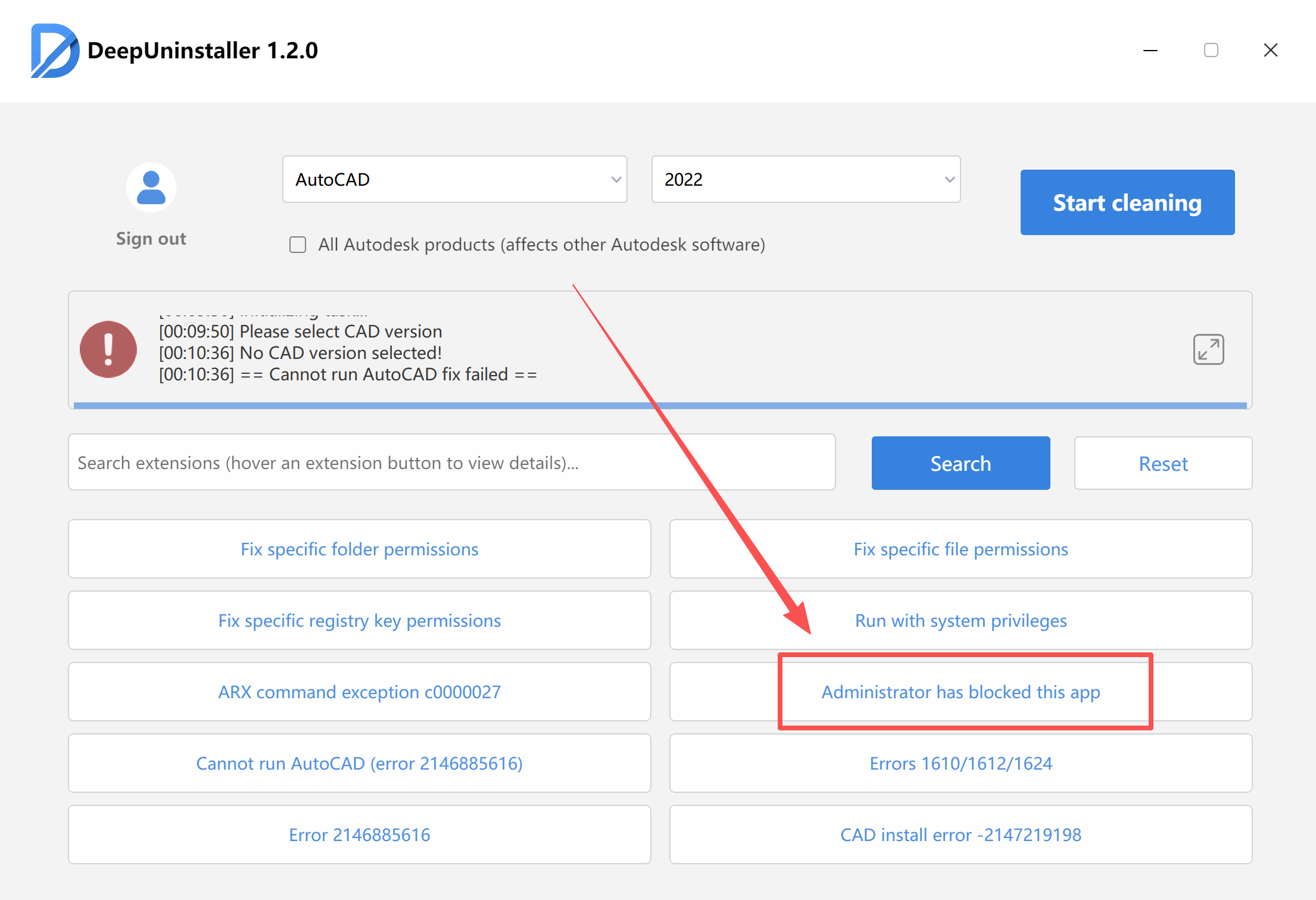
2.After restarting, reinstall the software.
ترك التعليق